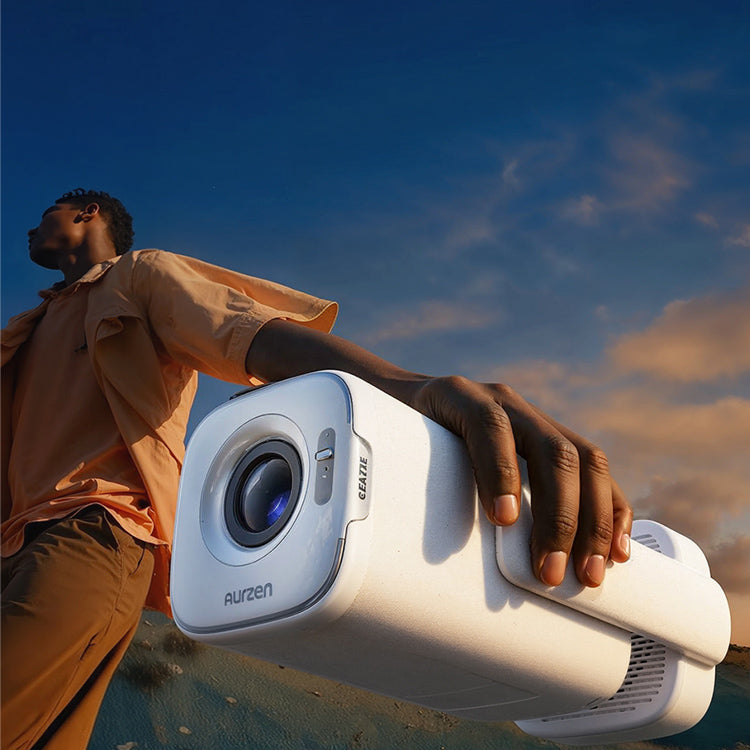


Aurzen EAZZE D1 air | Introduction
Tutorial Videos
How to use Manual Focus & Keystone Correction?
How to switch the projector to speaker mode?
How to use Auto Focus & Keystone Correction?
What are the input source interfaces?
How to connect an external Bluetooth speaker?
How to connect to 5G/2.4G dual-band WiFi?
How to connect an iOS device to this projector?
How are the speakers and sound quality? Do they support Dolby Audio?
How to enter Netflix/Prime Video/YouTube?
How to use a power bank to powerthe D1 air projector?
How to adjust the 3-level brightness mode?
How to power the D1 air projector using the provided power adapter?
What is the recommended optimal viewing size and distance?
How to remove dust (black spots on the screen) from the projector lens?
FAQ
How to connect to 5G/2.4G dual-band WiFi?
You can connect your projector to your router's WiFi by going to Homepage>Settings>Network>Wi-Fi.
How to connect an iOS device to this projector?
- Connect the iOS device and the projector to the same Wi-Fi network.
- Go to Homepage > My Apps> APP assistant
- Select ScreenShare and press OK to download and install the ScreenShare app
- Go back to the My Apps page, and then launch the ScreenShare app.
- Go to the Control Centre of your iOS device, then tap ScreenMirroring to search for the projector EAZZE_D1Air.
How to connect an Android device to this projector?
- Connect the Android device and the projector to the same Wi-Fi network.
- Go to Homepage > APP assistant > Screencast
- Activate the Multi-screen/Smart View/Wireless Display function on your Android device
- Choose EAZZE_D1Air from the list.
How to connect an external Bluetooth speaker?
Get your Bluetooth speaker ready and power it on.
Go to Homepage > Settings > Bluetooth > Bluetooth Connection to connect your external Bluetooth speaker.
How to switch the projector to speaker mode?
Connect the projector and your mobile phone via Bluetooth.
Go to Homepage > My Apps > Bluetooth Speaker.
Open the Bluetooth settings on your mobile device and turn on Bluetooth.
Search for EAZZE_D1 air in the list of available devices to pair your mobile device with the projector.
How to power the D1 air projector using the provided power adapter?
Use the provided power adapter and connect it to the projector's power input.
Press the power button to turn on the device and use it normally.
How to use Auto Focus & Keystone Correction?
Auto Focus and Keystone Correction are automatically triggered when the projector detects shaking or rapid movement.
How to use Manual Focus & Keystone Correction?
Go to Homepage > Settings > Keystone > Four Points Correction.
Go to Homepage > Settings > Focus > Manual Focus.
How to adjust the 3-level brightness mode? (Standard, ECO, High)
Go to Homepage > Settings > Picture Mode > Backlight Mode.
Adjust the brightness level as needed.
How to use a power bank to power the D1 air projector?
Use a power bank rated at 65W (20V⎓3.25A) or higher, and a power cable rated at 5A or higher.
Then connect the power bank via the USB-C port.
Press the power button to turn on the device and use it normally.
What is the recommended optimal viewing size and distance?
We usually recommend a distance of 2.83 m and a 100-inch image. Adjust the distance as needed.
How to remove dust (black spots on the screen) from the projector lens?
Peel off the label on the back of the projector and gently lift the cover beneath it.
Insert a cotton swab carefully and wipe the sides of the LCD screen.
Reattach the cover and back label after cleaning.
User Guide
| Title | Last Updated | Size | Language | Download |
|---|---|---|---|---|
| EAZZE D1 air Manual-EN_V1.01 | 2026/04/08 | 5.71 MB | English | |
| EAZZE D1 air Manual-DE_V1.01 | 2026/04/08 | 5.95 MB | Deutsch | |
| EAZZE D1 air Manual-ES_V1.01 | 2026/04/08 | 5.84 MB | Español | |
| EAZZE D1 air Manual-FR_V1.01 | 2026/04/08 | 5.82 MB | Français | |
| EAZZE D1 air Manual-IT_V1.01 | 2026/04/08 | 5.74 MB | Italiano |