Regular price
$249.99
Sale price
$249.99
Regular price
$249.99

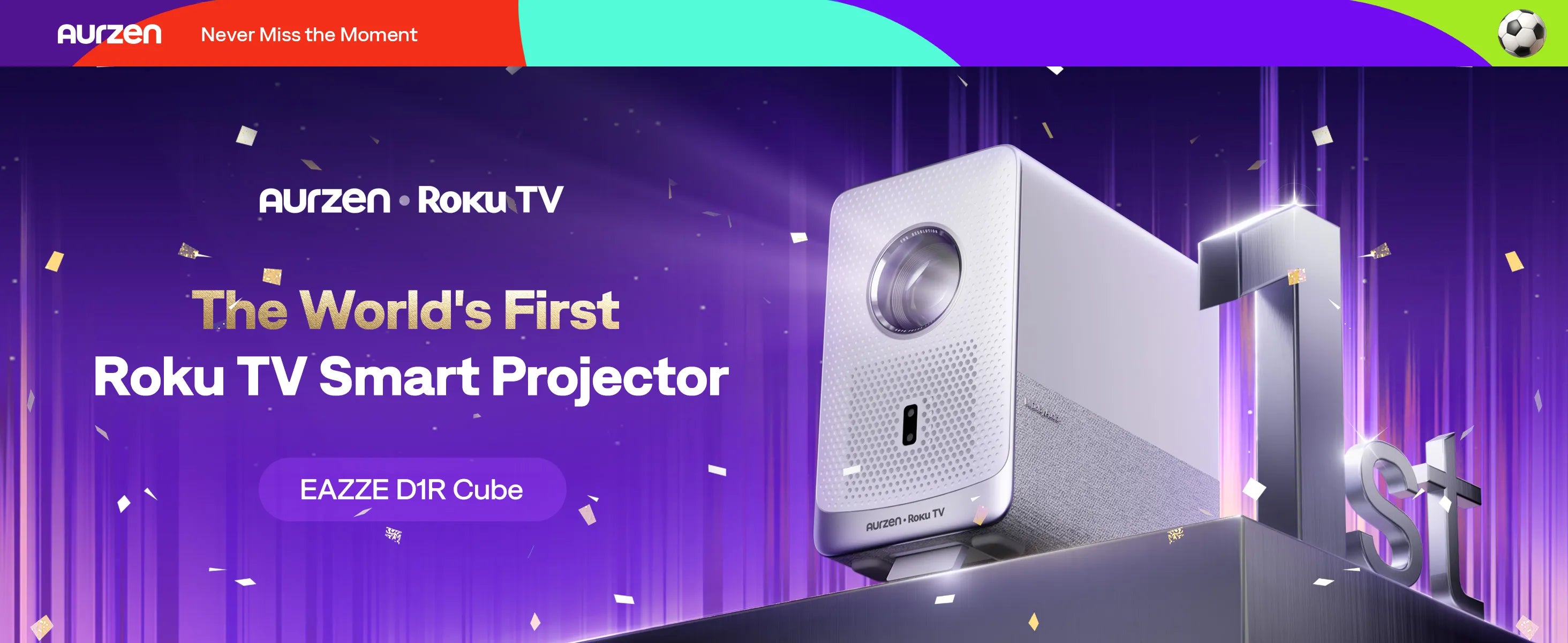
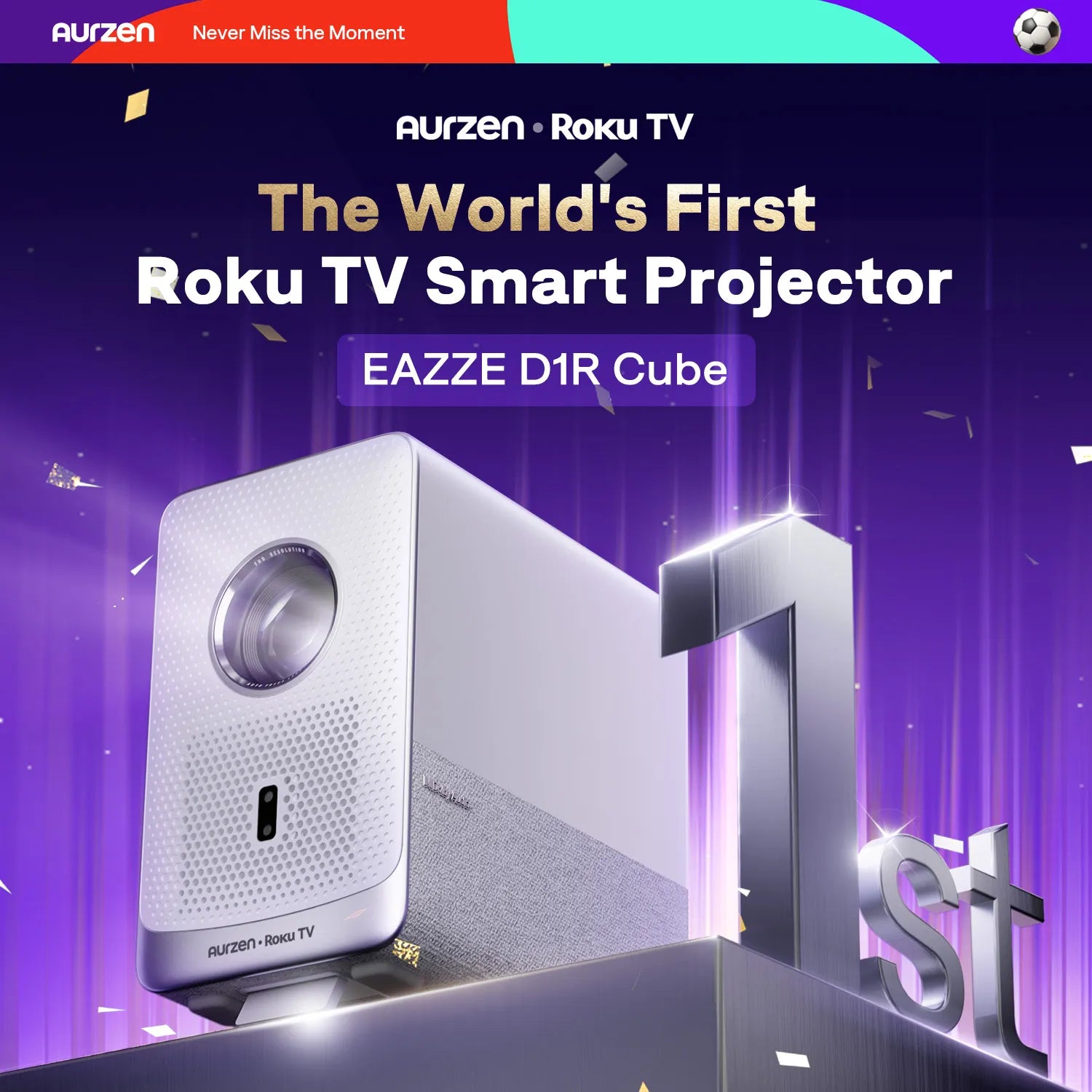
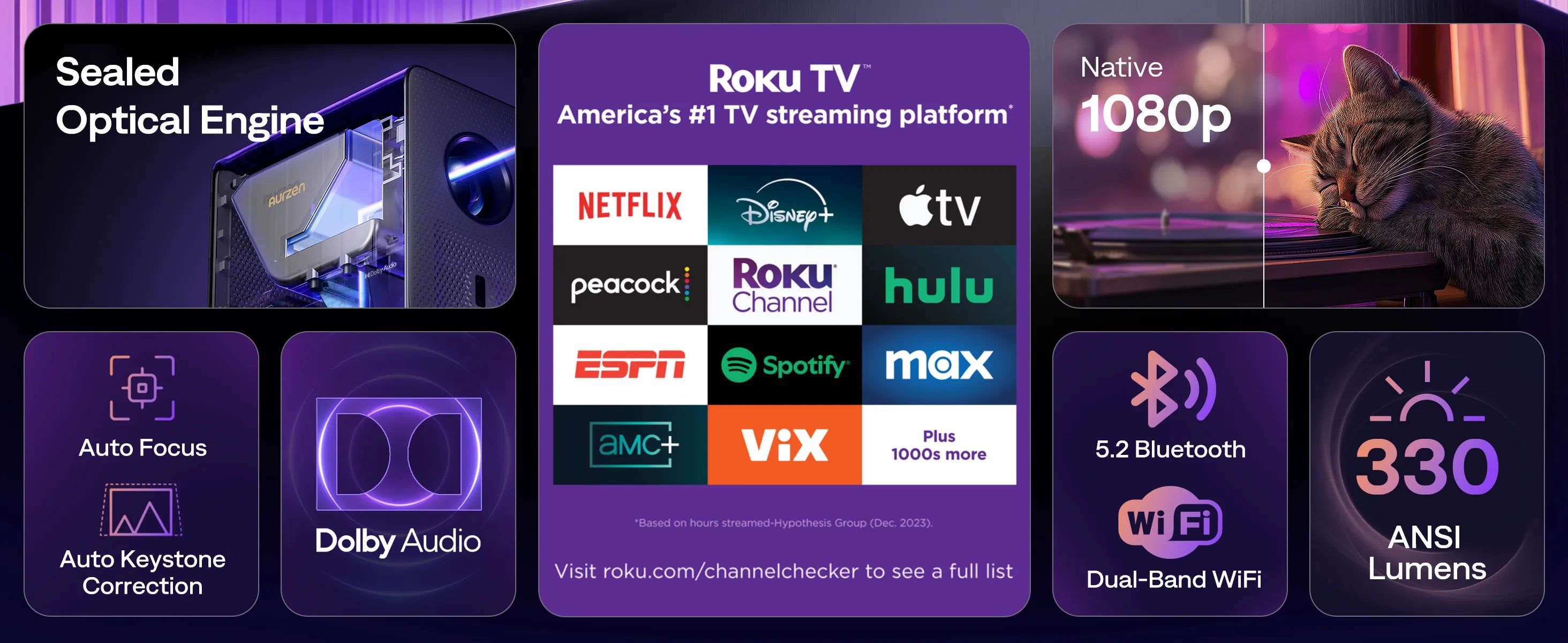
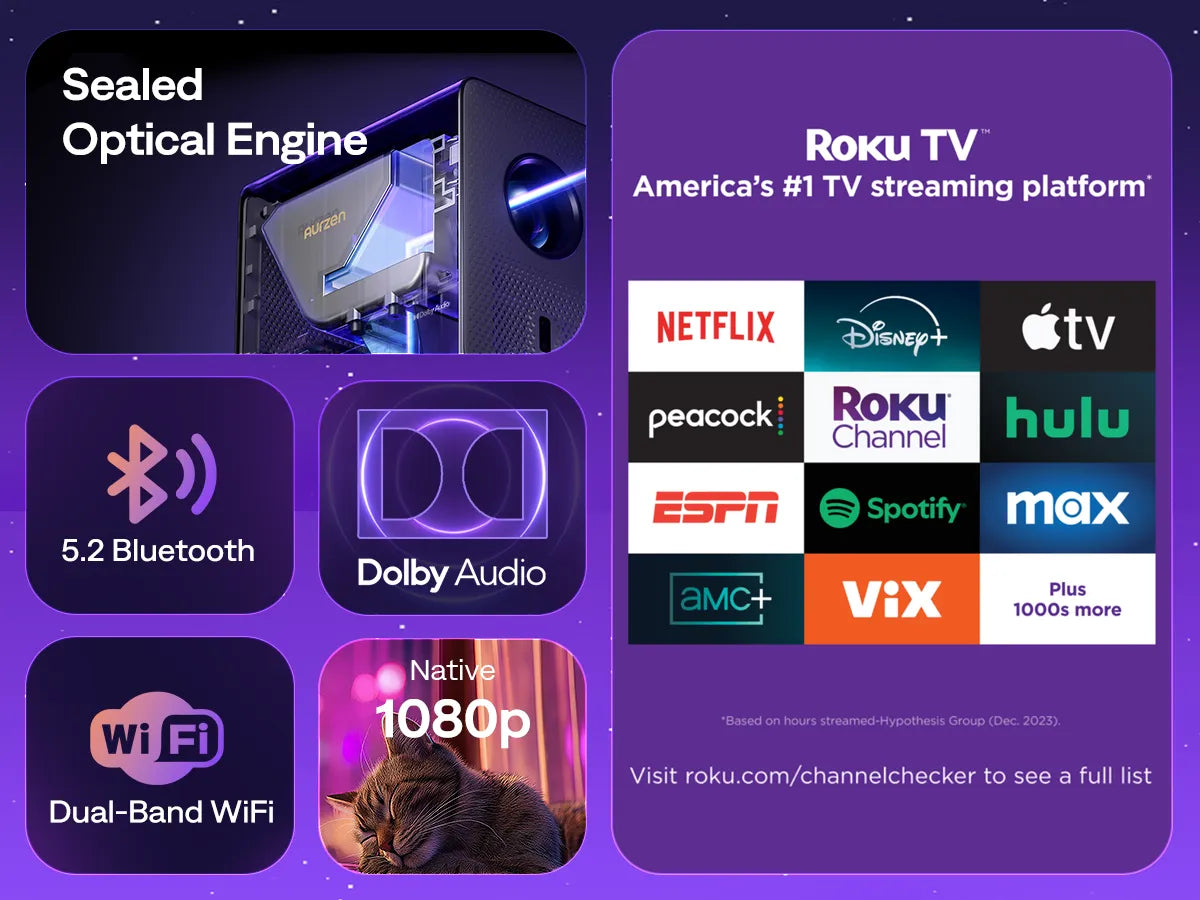
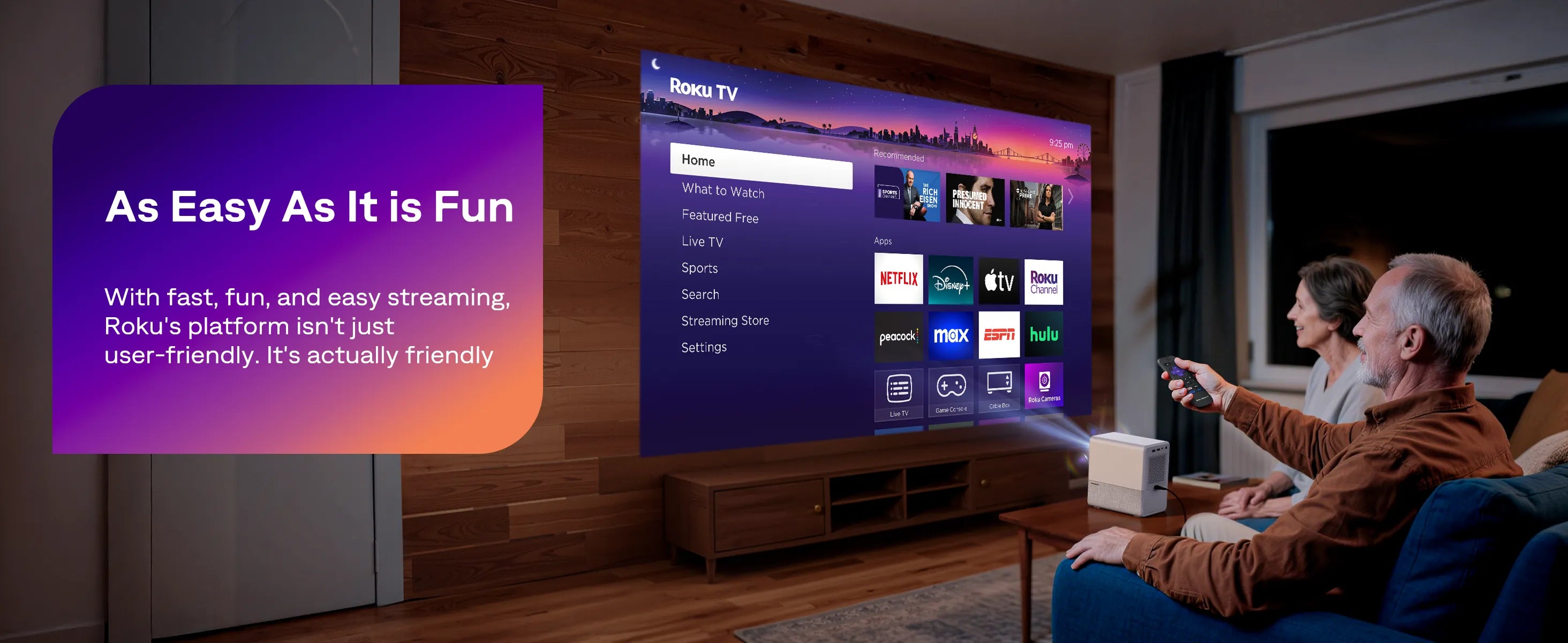
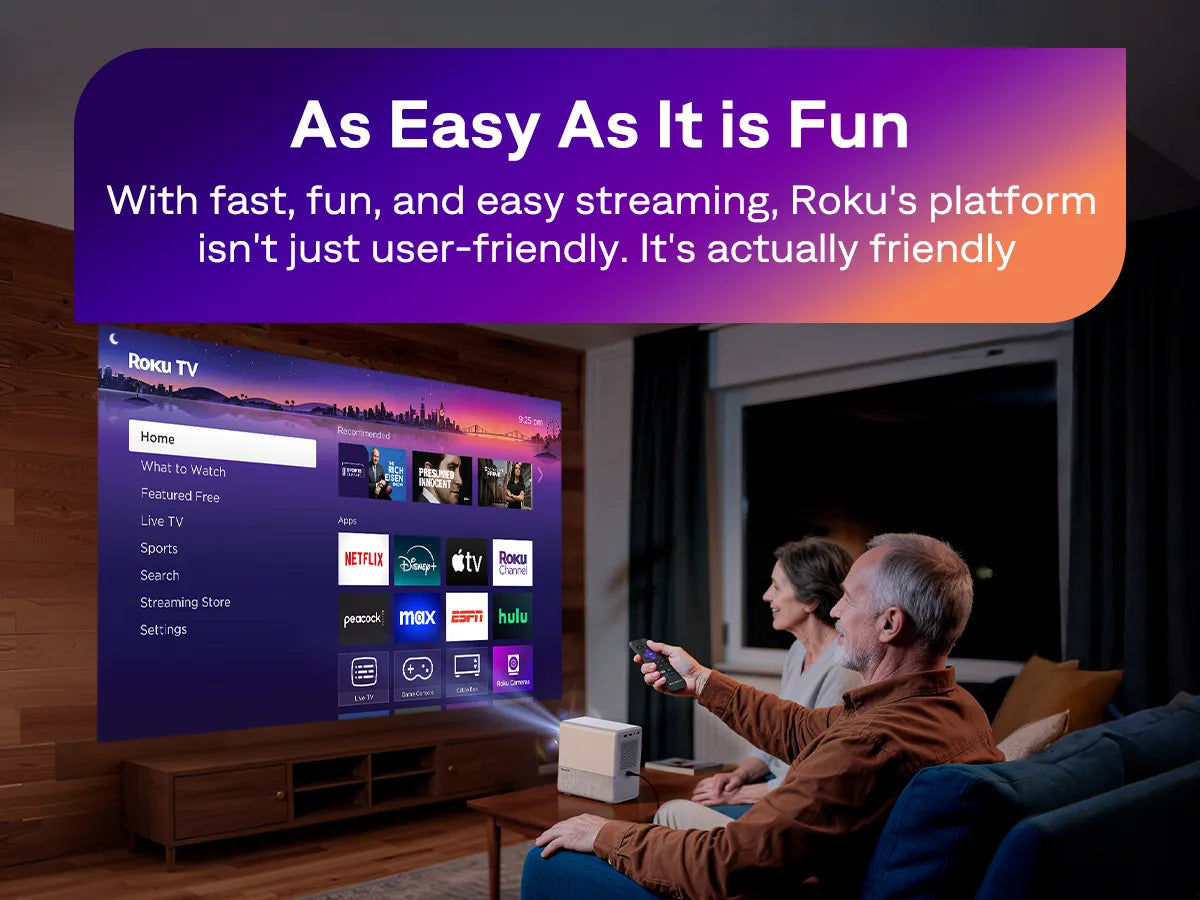
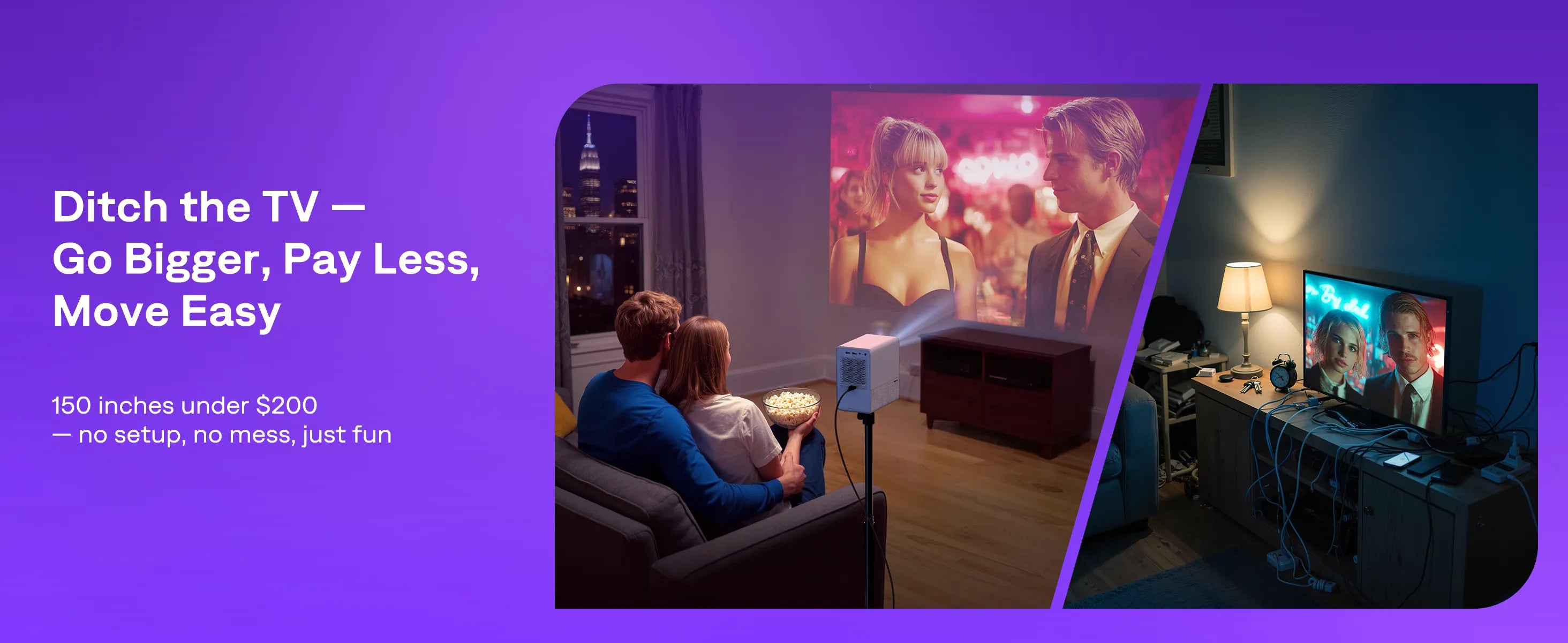
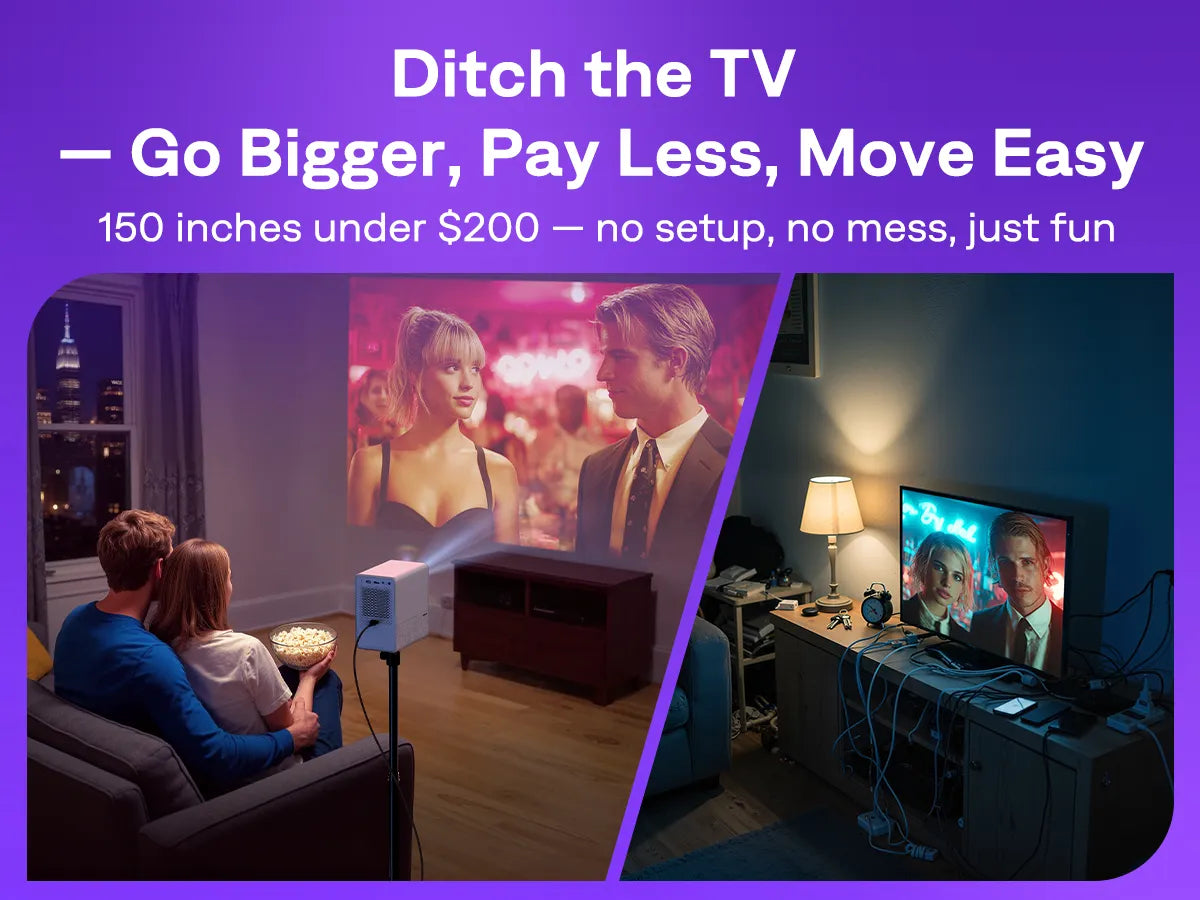
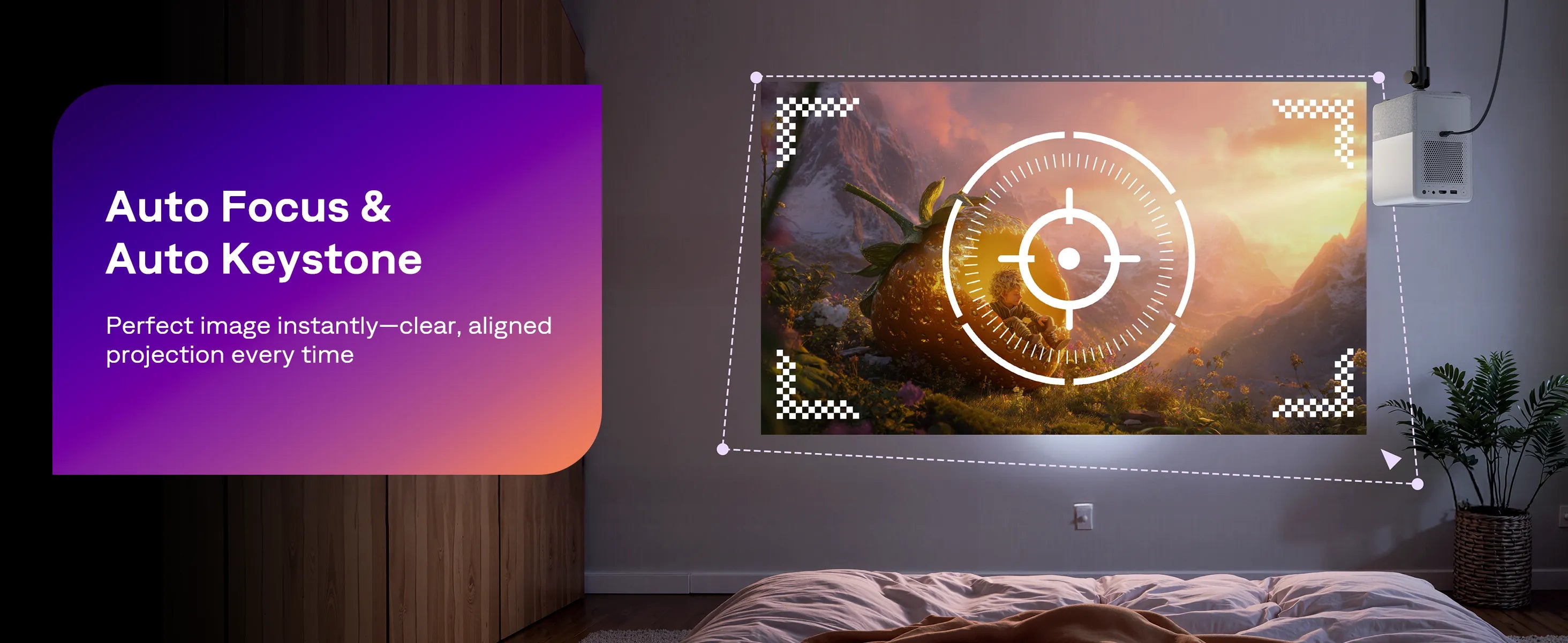
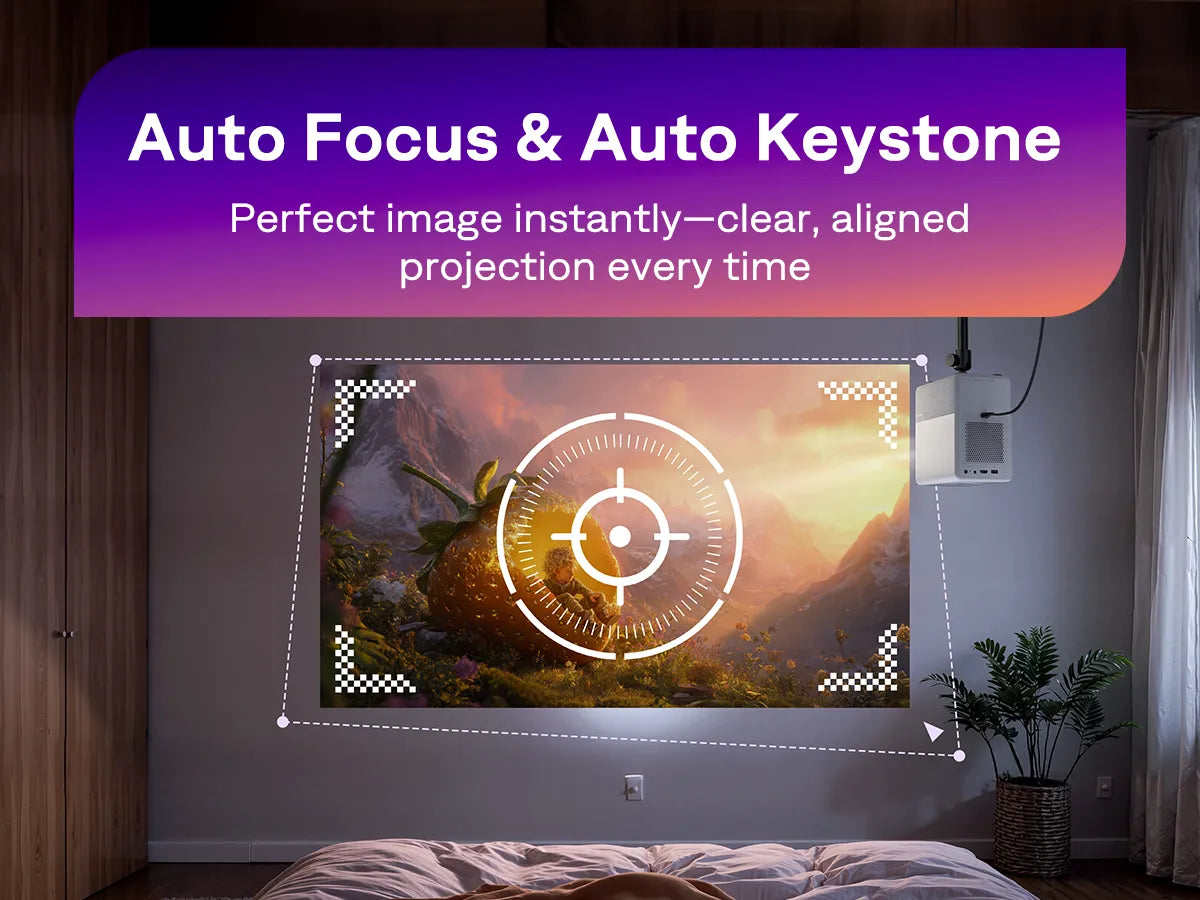
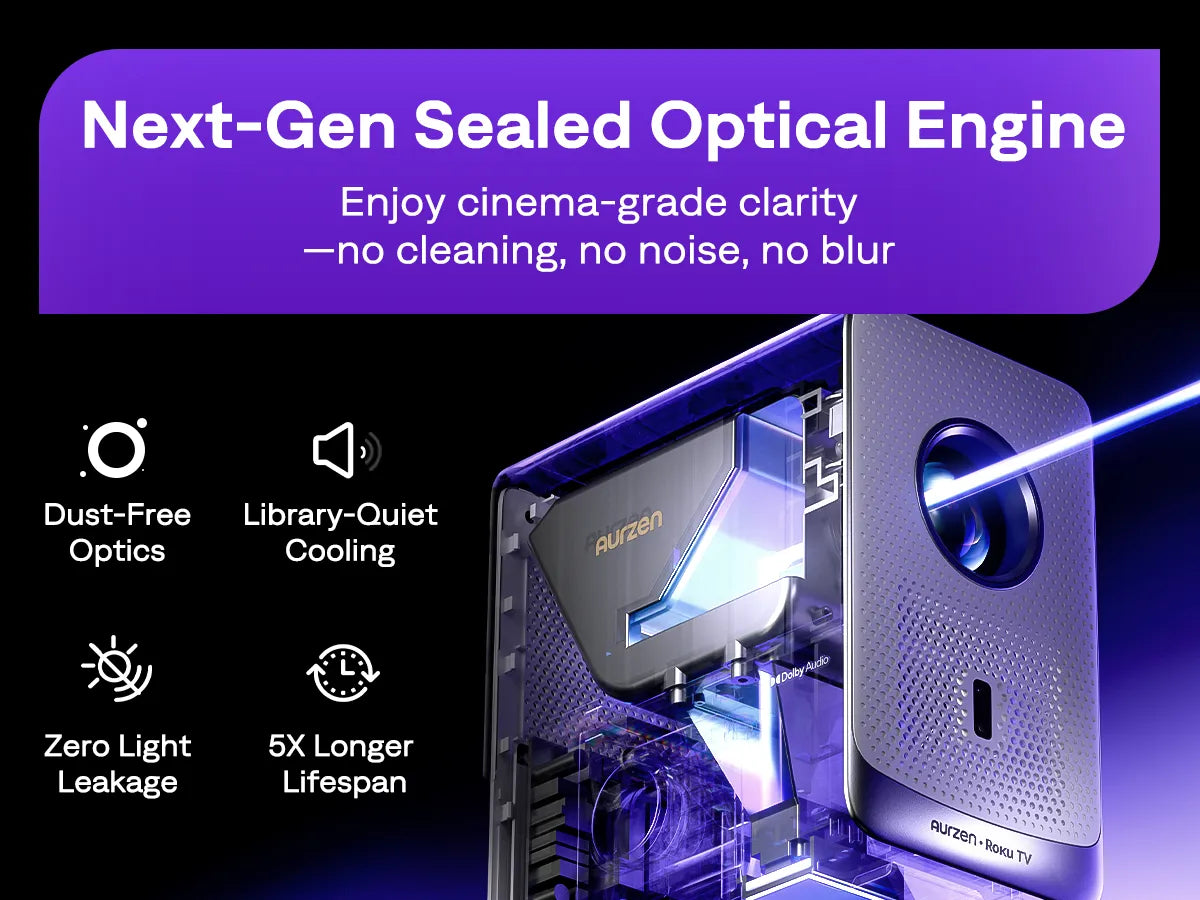
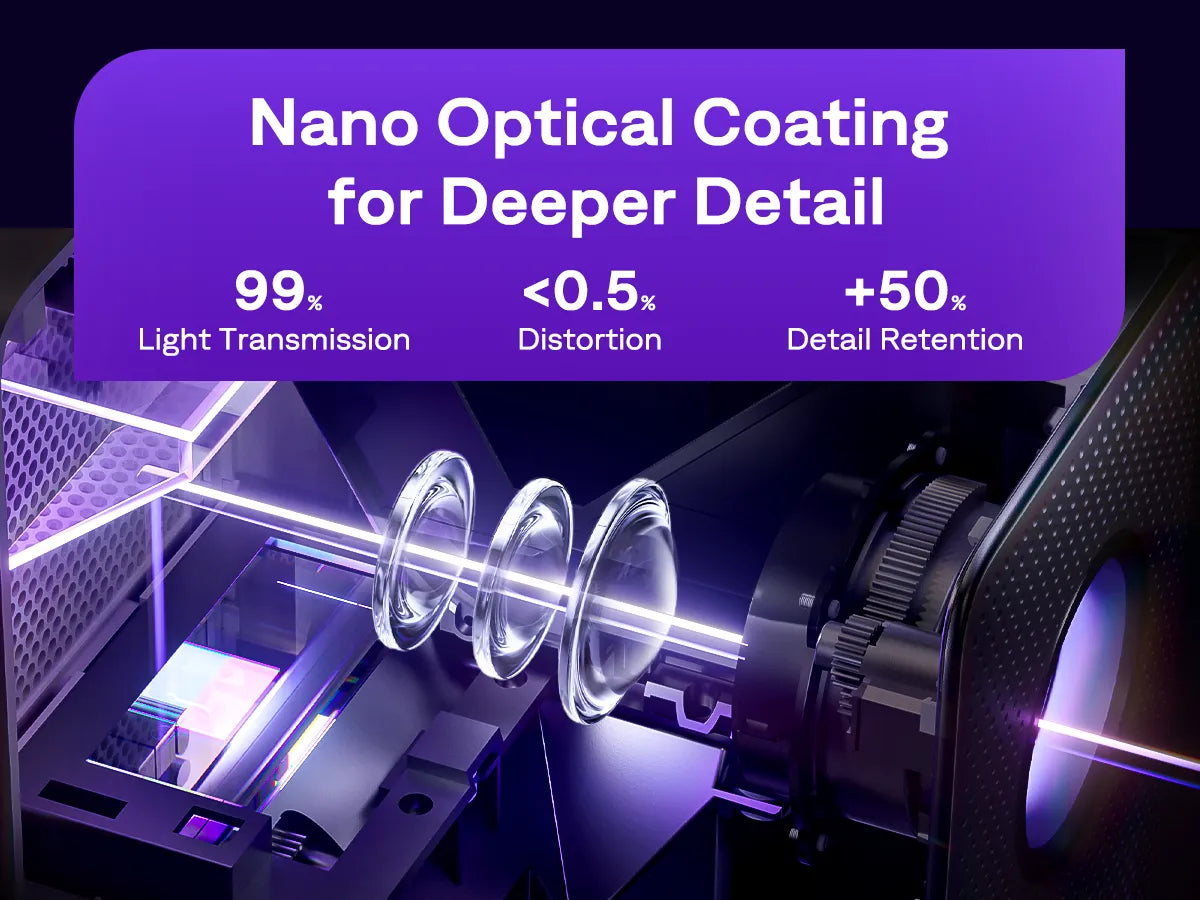
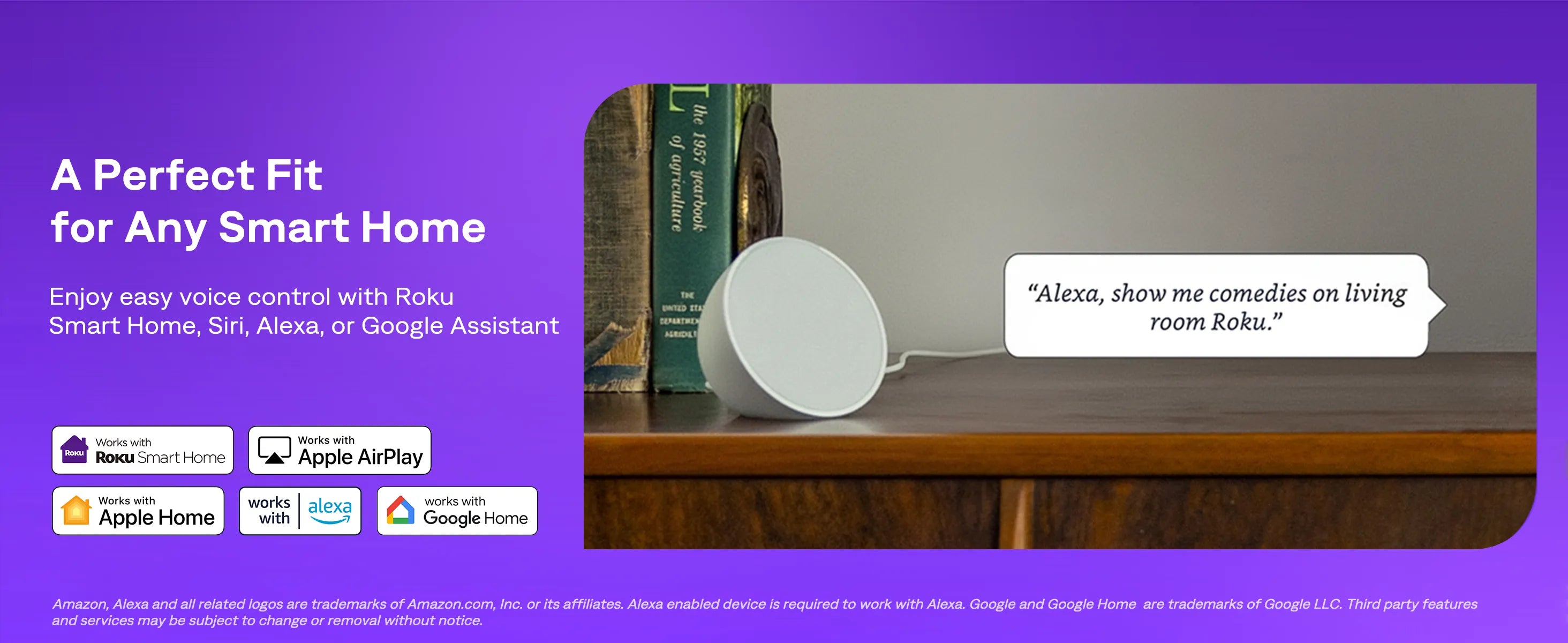
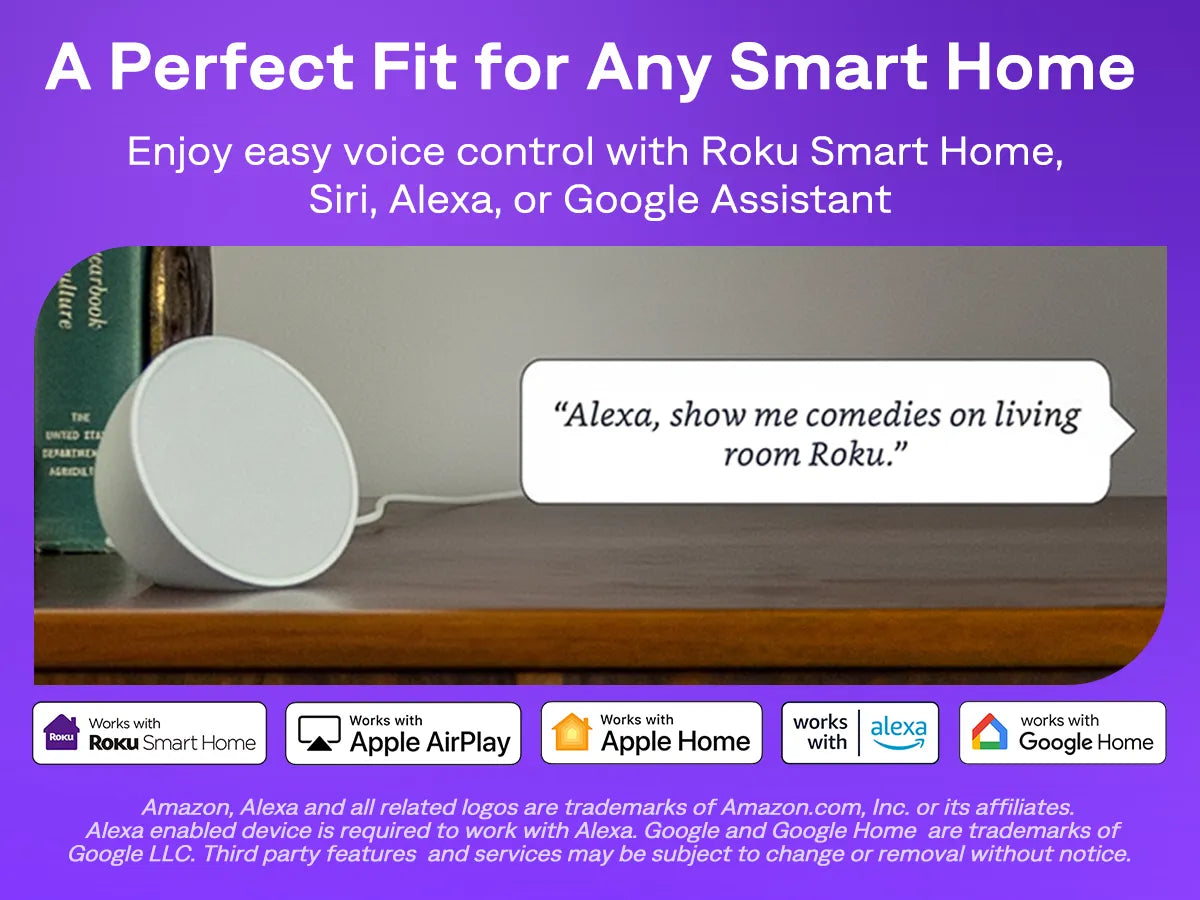
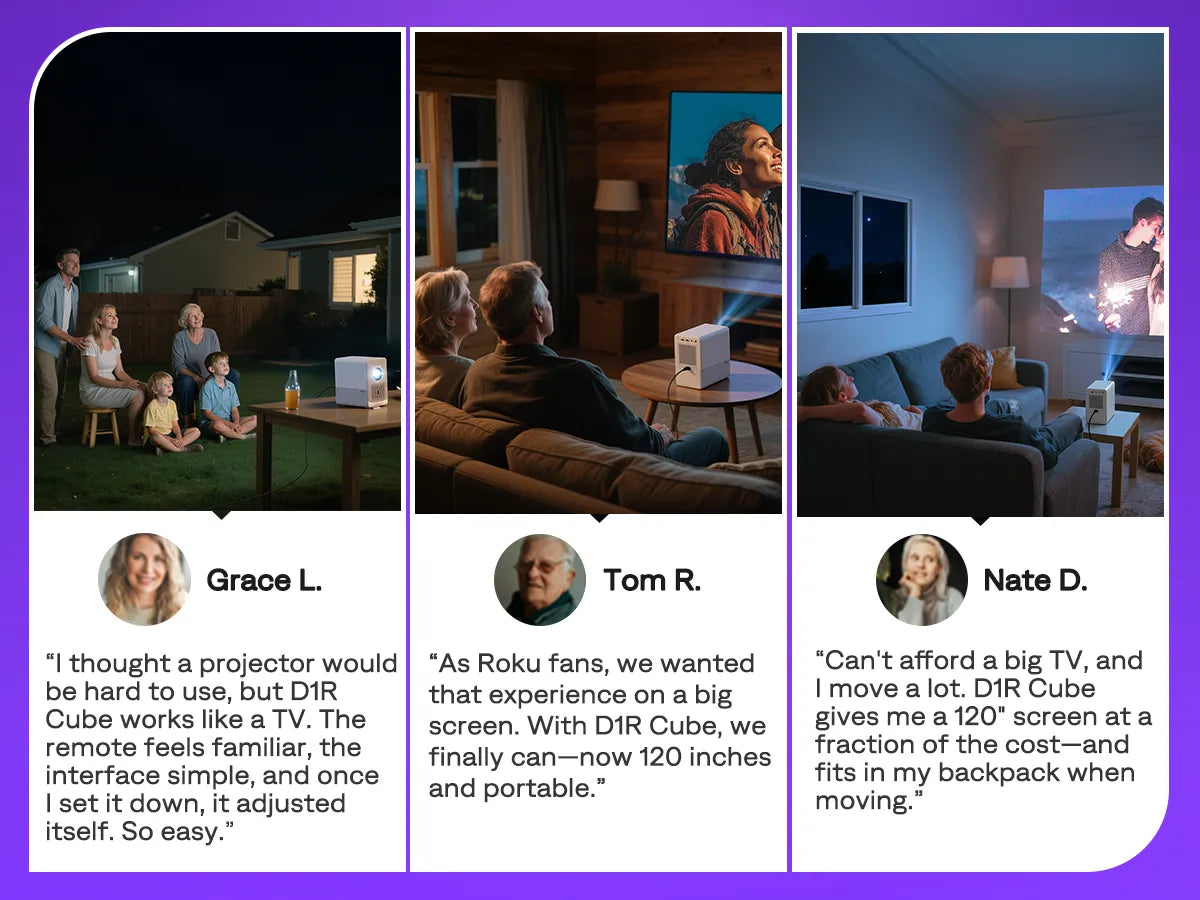
The Aurzen EAZZE D1R Cube Roku TV Smart Projector offers a seamless streaming experience with built-in Roku TV and access to 500+ free channels. It features 1080P Full HD resolution, auto focus, and keystone correction for a sharp, aligned screen. The Dolby Audio system and WiFi/Bluetooth 5.2 ensure immersive sound and smooth streaming. Enjoy easy voice control with Apple HomeKit, Alexa, and Google Assistant. With a sealed optical engine and SGS certified brightness, it delivers reliable, vibrant visuals for your home theater or outdoor movie nights.
Click the link below to download the Aurzen EAZZE D1R Cube Roku Smart Projector user manual in your preferred language:
Estimated Standard Shipping Times (excluding preorders):
• US/CA/UK/AU/JP: 3–7 business days
• EU: 5–15 business days

The World’s First Roku TV Smart Projector! | Aurzen Eazze D1R Cube Review
Aurzen Roku D1R Cube Smart Projector Review
Roku TV In A Projector? Aurzen D1R Cube
REAL Brightness?! Aurzen D1R Cube Roku Projector Review
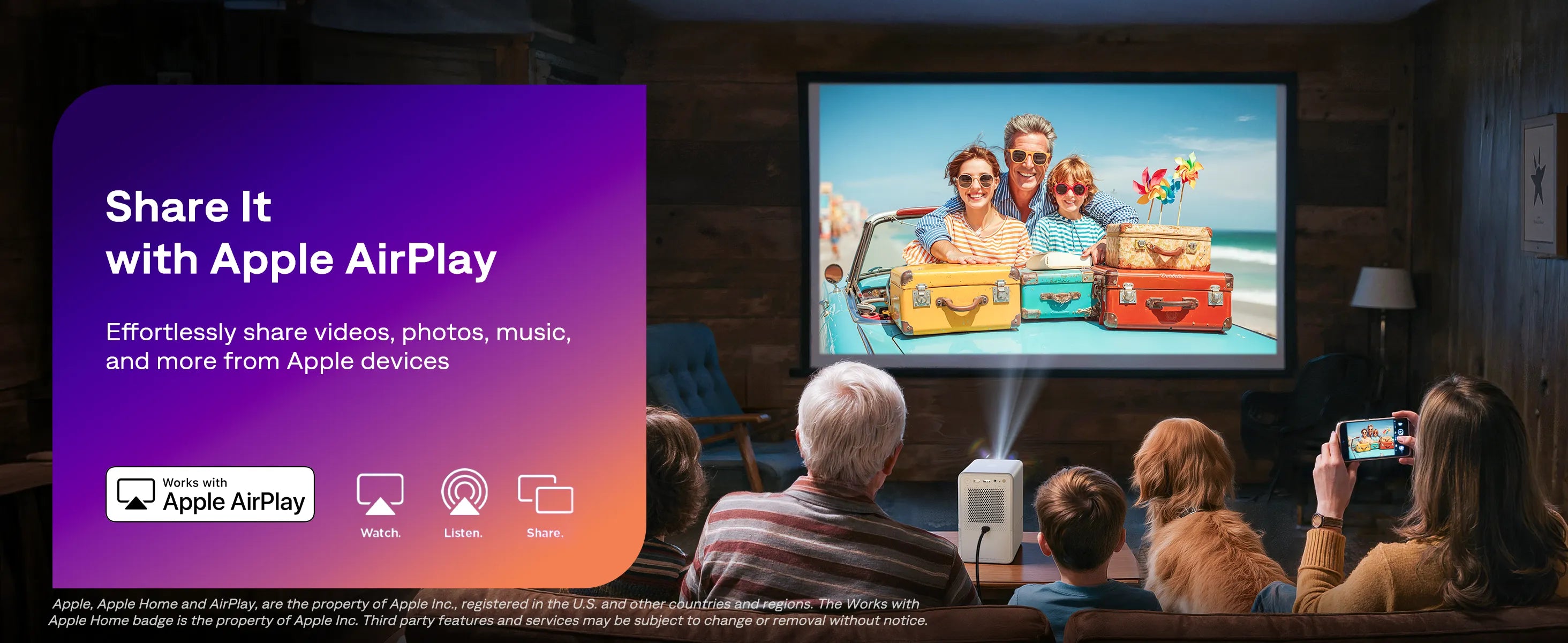
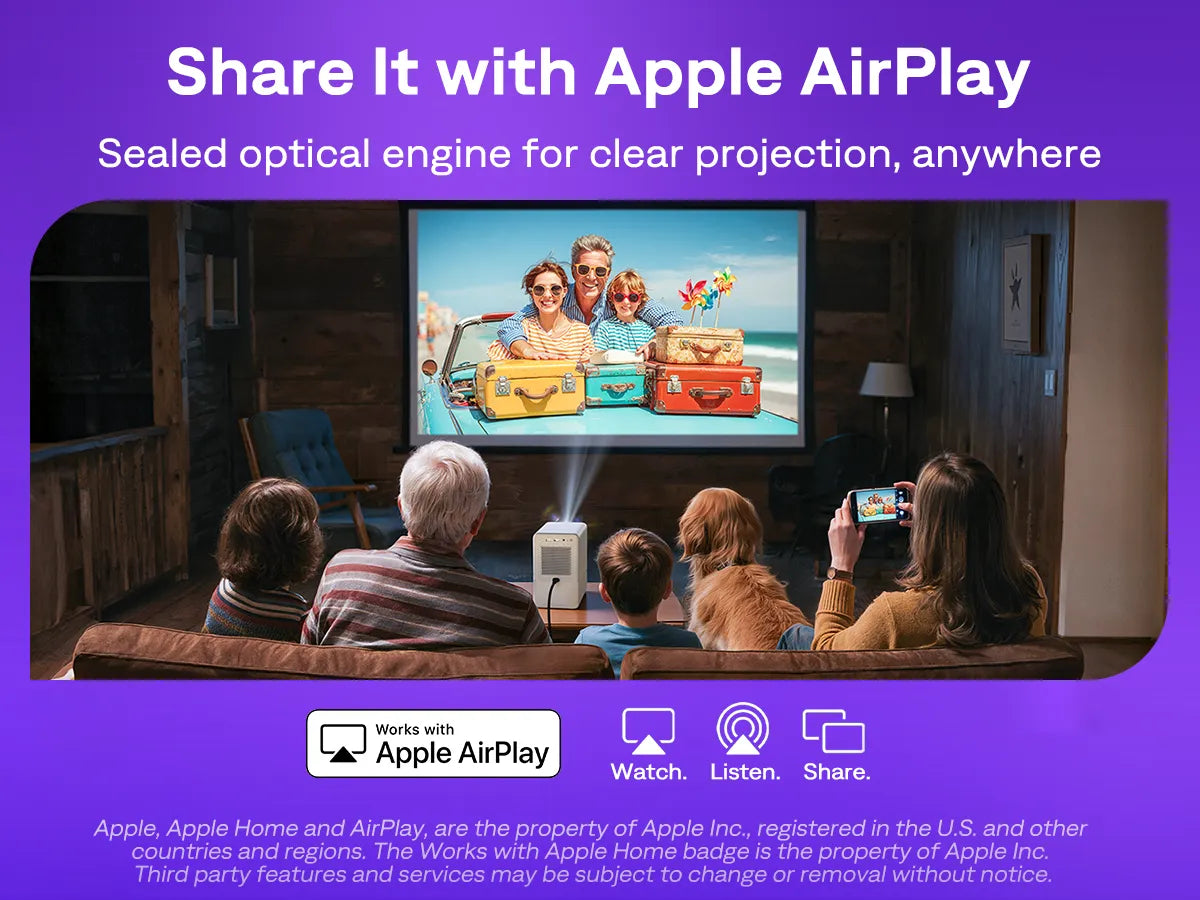
Step 1: Connect the projector and your iOS device to the same Wi-Fi network.
Step 2: Open the Control Center on your iOS device and tap Screen Mirroring to search for the projector.
Step 3: Choose Aurzen Roku (or the projector name if you have renamed it) from the list. For the first time, you will need to enter the projector’s on-screen passcode into your phone. Once connected, your iOS device’s screen will be mirrored onto the projection screen or wall.
Tip: Ensure AirPlay is turned on by going to Home > Settings > Apple AirPlay and HomeKit.
Important Note: Copyrighted content from Hulu, Disney+, and similar streaming services cannot be wirelessly mirrored or cast due to copyright restrictions.
Step 1: Turn on Wi-Fi on your Android device (a successful Wi-Fi connection is not required).
Step 2: Activate the Multi-screen / Smart View / Wireless Display function on your Android device and search for the projector.
Step 3: Choose Aurzen Roku (or the projector name if you have renamed it) from the list and confirm casting when prompted. Once connected, your Android device’s screen will be mirrored onto the projection screen or wall.
Tips:
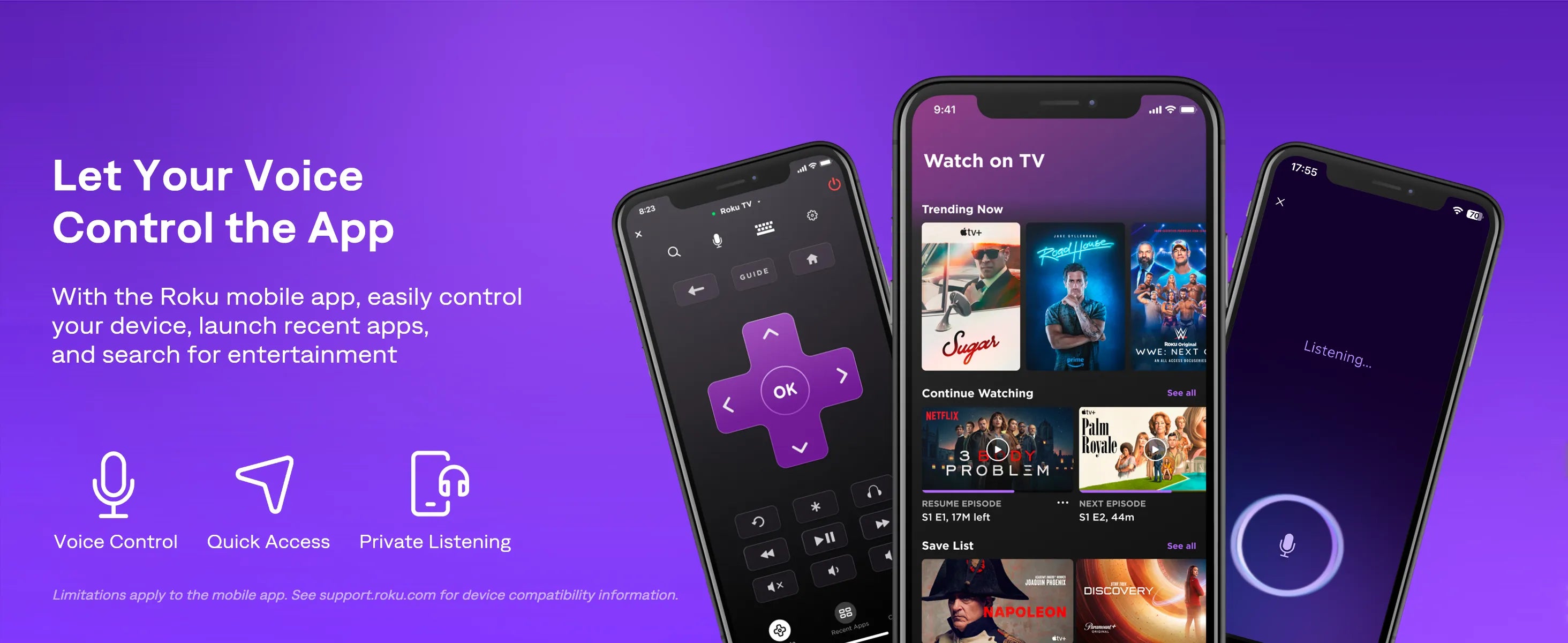
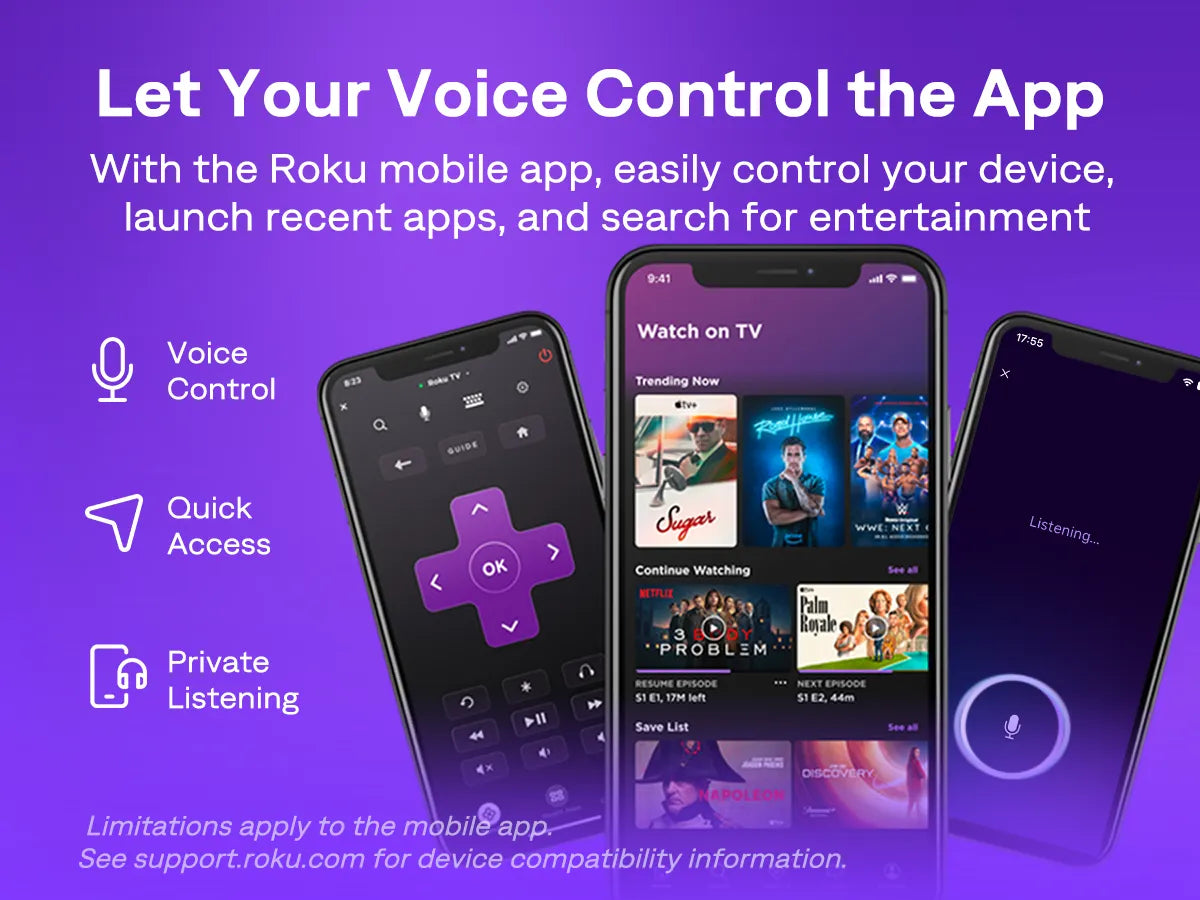
You can use the Roku mobile app not only as a remote control but also to manage your projector.
Step 1: Connect both your mobile device and the projector to the same Wi-Fi network.
Step 2: Download the Roku mobile app from the App Store or Google Play Store.
Step 3: Launch the app and tap the Remote tab.
Step 4: Choose Aurzen Roku (or the projector name if you have renamed it) from the device list to connect. The remote interface will then appear.
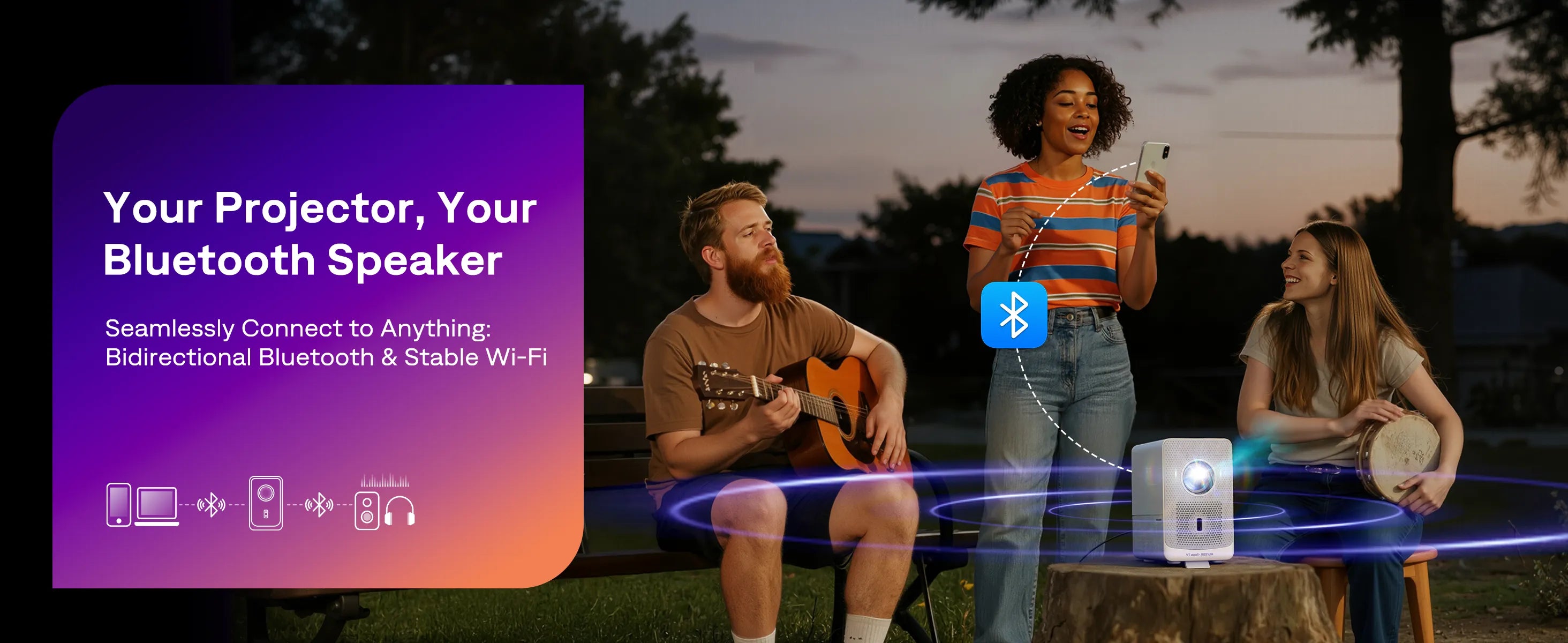
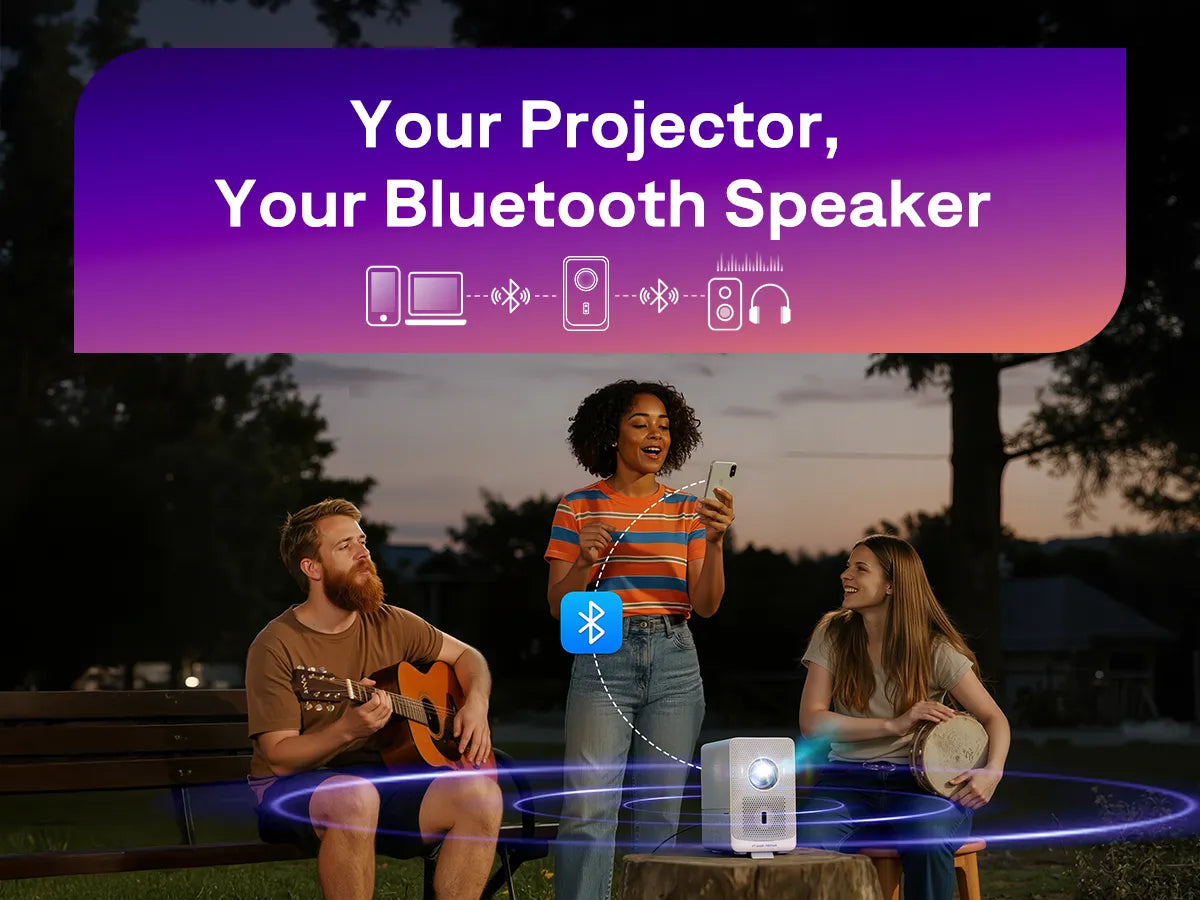
You can connect the projector to a wireless Bluetooth speaker or headphones.
Step 1: Turn on your Bluetooth device and make it ready for pairing.
Step 2: Go to Home > Settings > Remotes & Devices > Bluetooth Headphones & Speakers, then select Add new Bluetooth audio device. Search for available devices, then select and pair your Bluetooth device with the projector.
The D1R Cube is the world’s first Roku TV Smart Projector, officially powered by Roku—the #1 TV streaming platform in America. Unlike regular projectors that require a stick or dongle, it has Roku TV OS built in, giving you direct access to Netflix, Prime Video, Disney+, YouTube, Roku Channel, and more without extra devices.
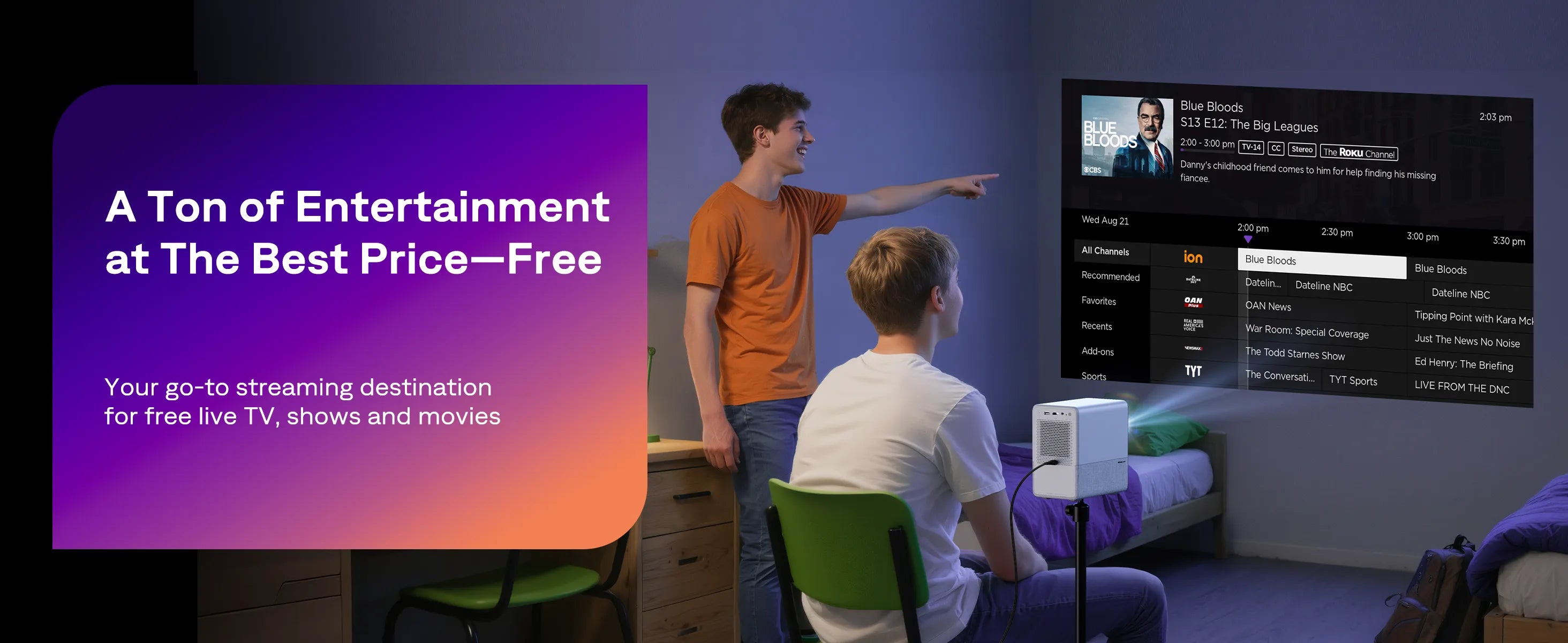
Yes. A Roku account and internet connection are required for activation (creating an account is free). Once set up, you can stream thousands of channels, including free movies, live TV, and premium content.
While you need WiFi for streaming apps, you can also connect external devices via HDMI (like laptops, consoles, or USB drives) to watch offline content. For mirroring from Apple devices, AirPlay also requires a WiFi connection.
Absolutely. Since it’s powered by Roku TV OS, the projector gives you native access to top apps like Netflix, Prime Video, Disney+, Hulu, Apple TV, Roku Channel, and YouTube—no extra dongles or remotes needed.
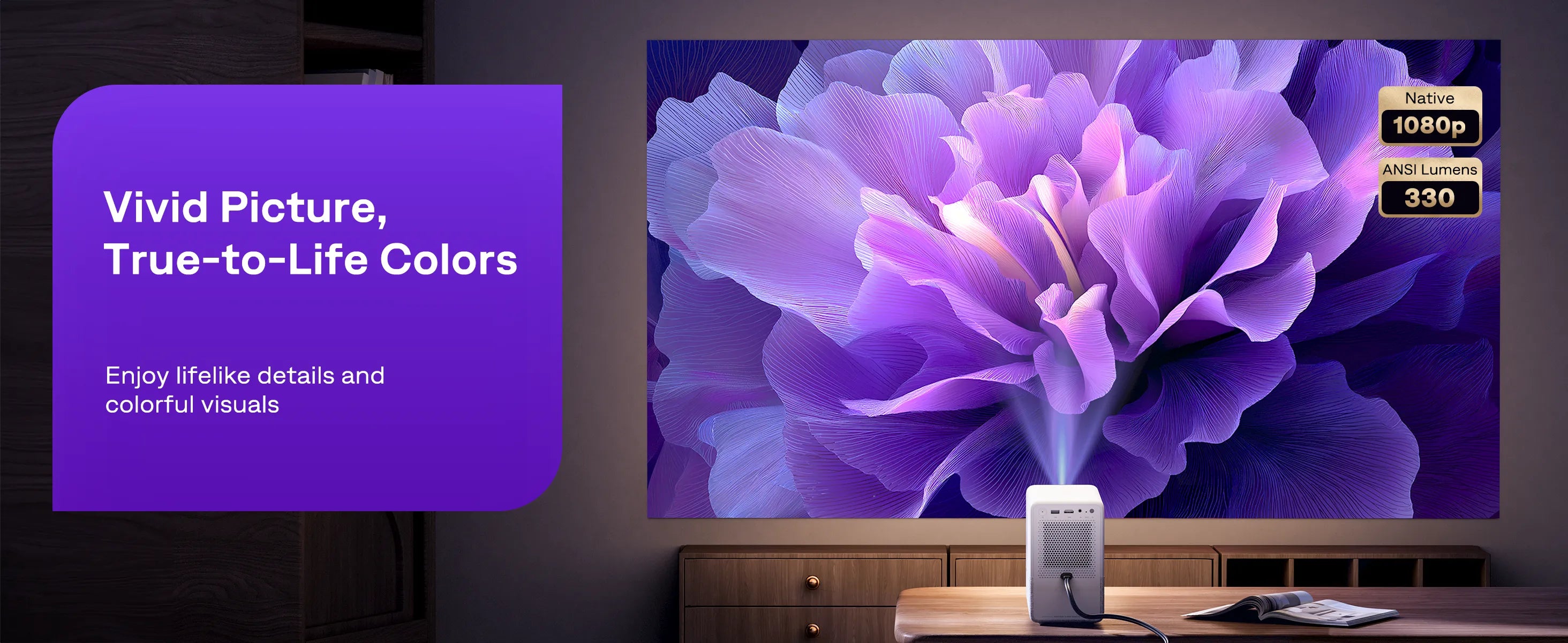
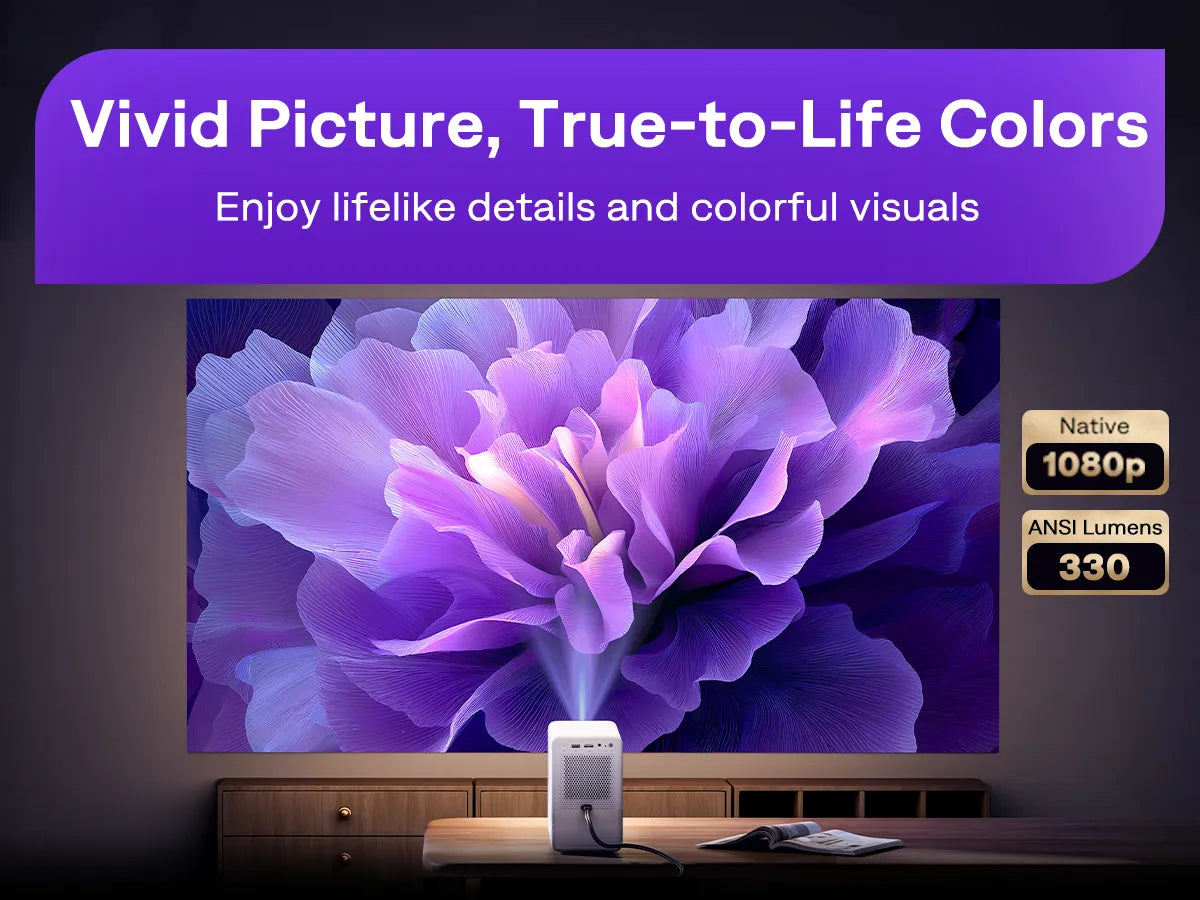
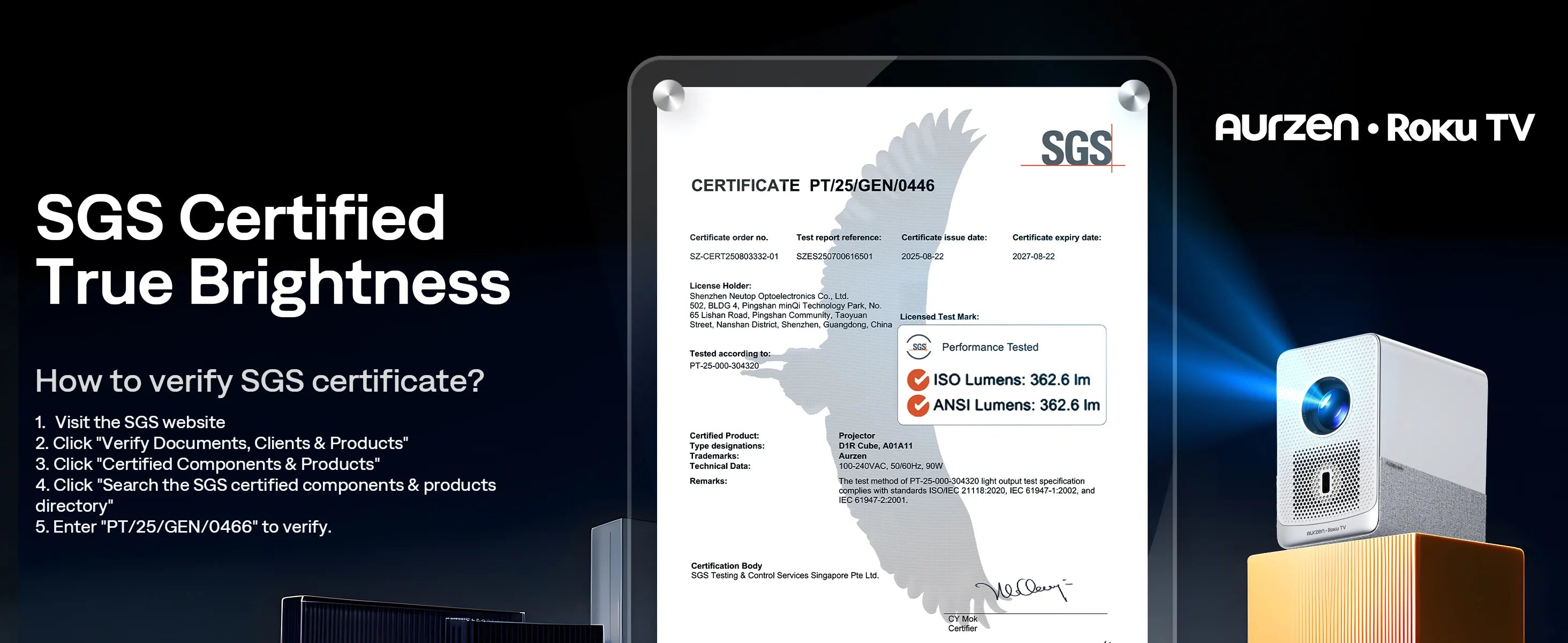
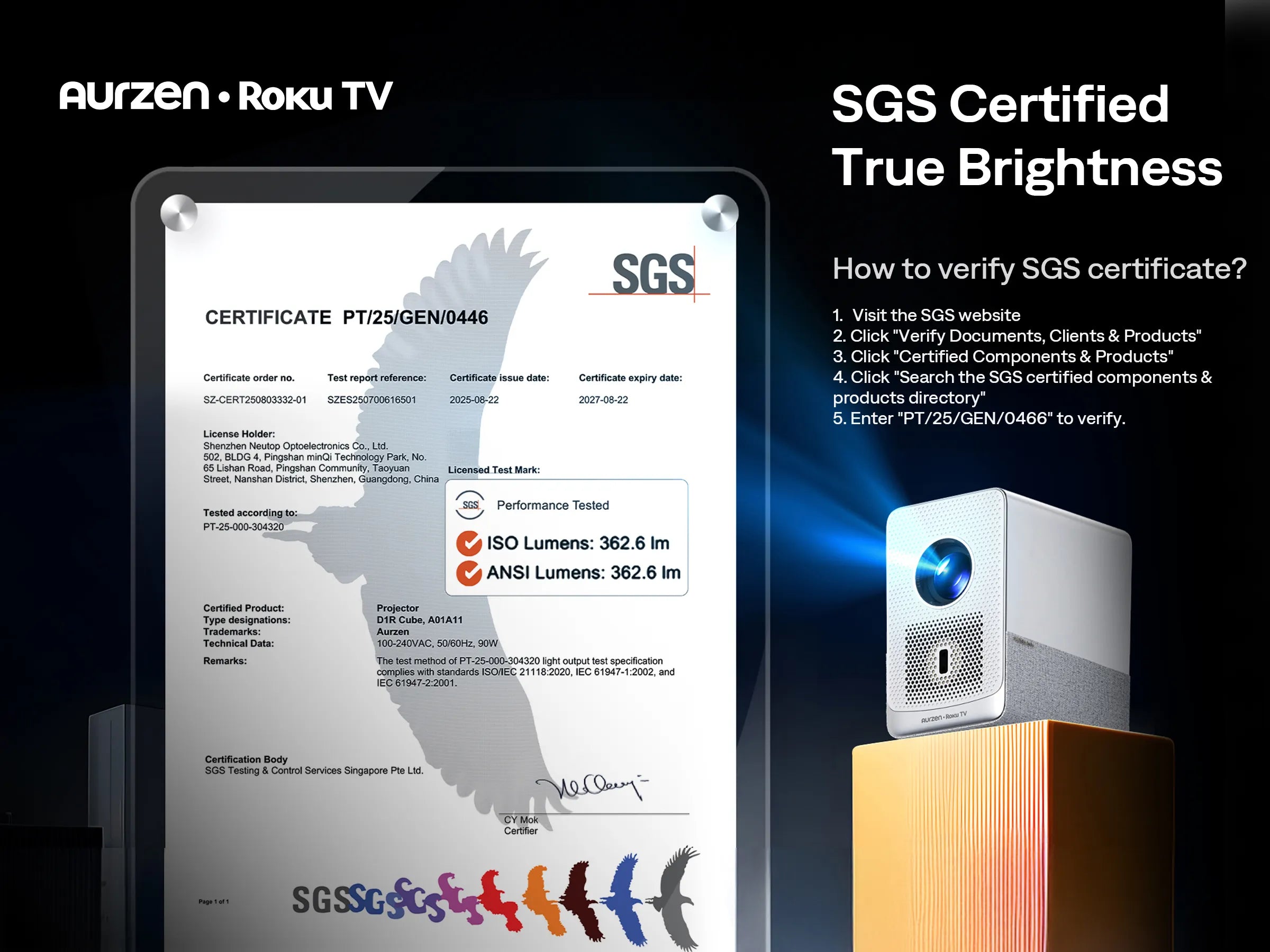
The Aurzen EAZZE D1R Cube delivers 330 ANSI lumens of true brightness, verified by SGS certification under the ANSI/ISO 21118 industry standard.
Unlike many projectors that exaggerate their brightness numbers, Aurzen provides scientifically tested and transparent results, ensuring you get accurate, real-world performance with vivid colors and clear details—even in low-light environments.
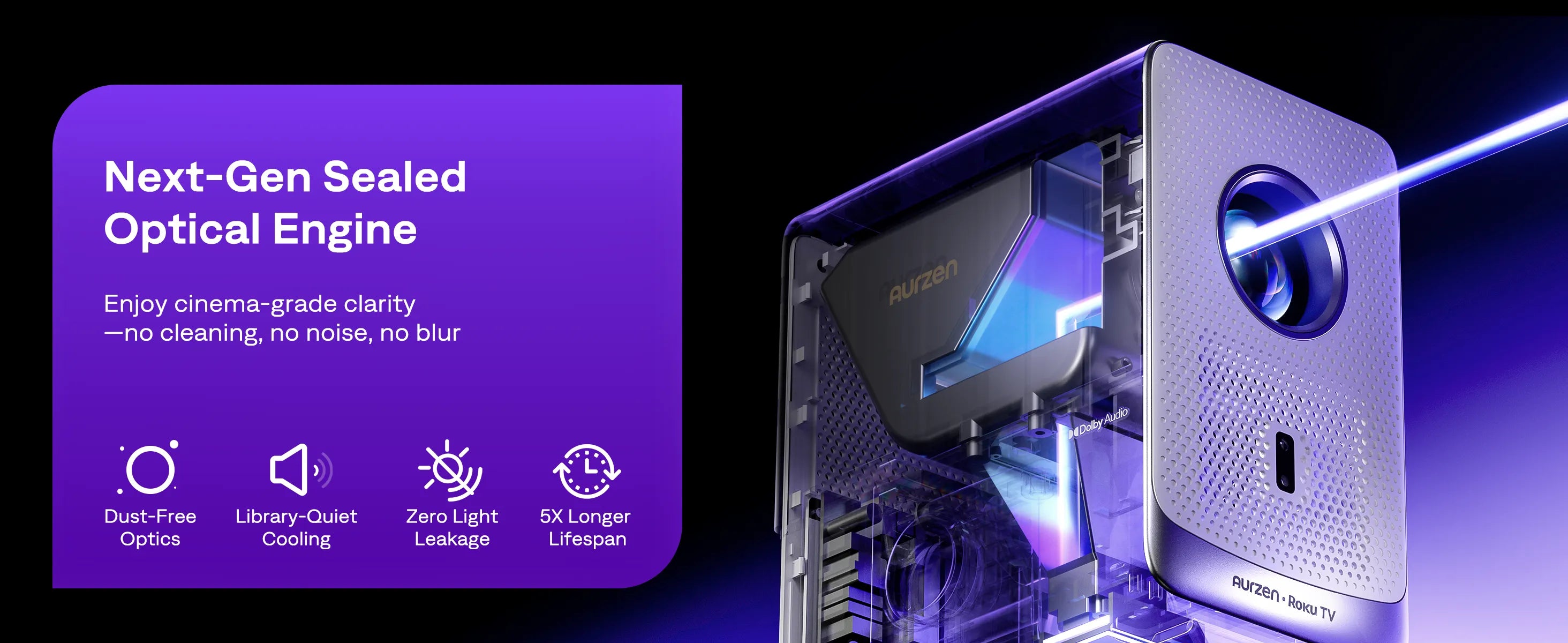
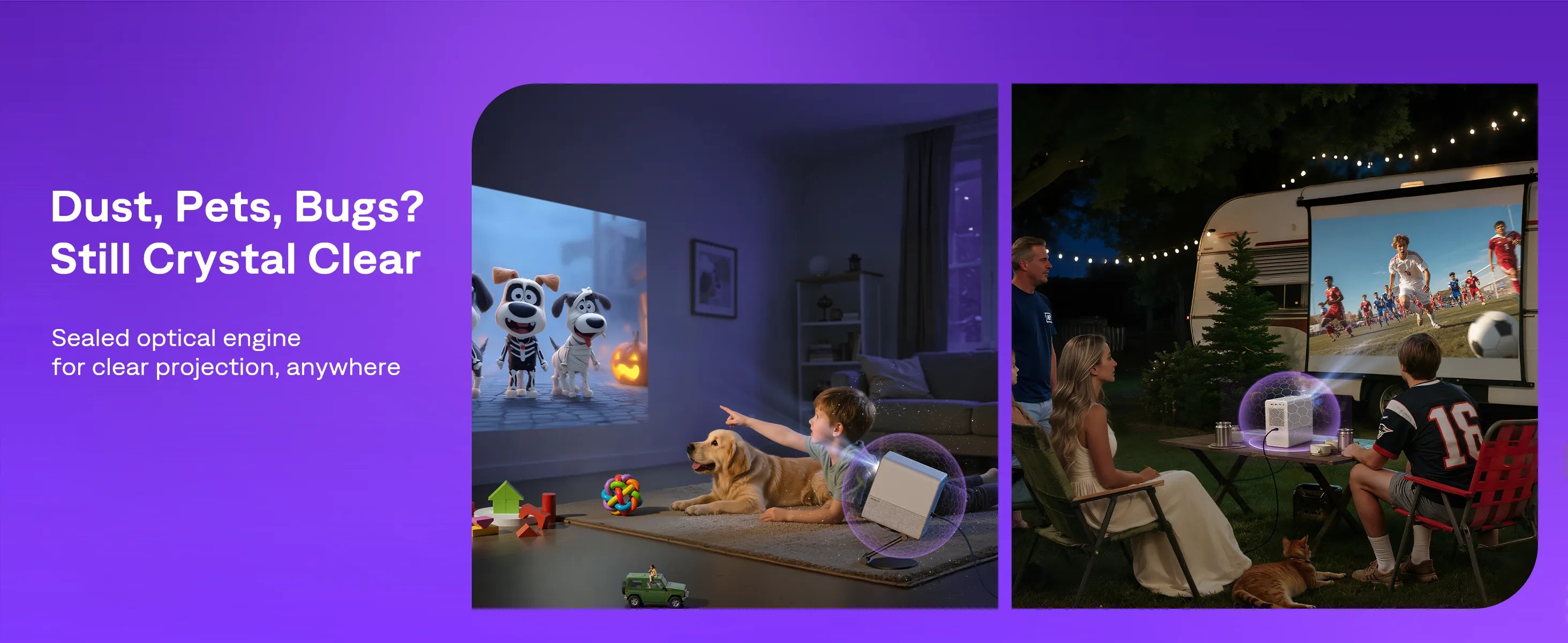
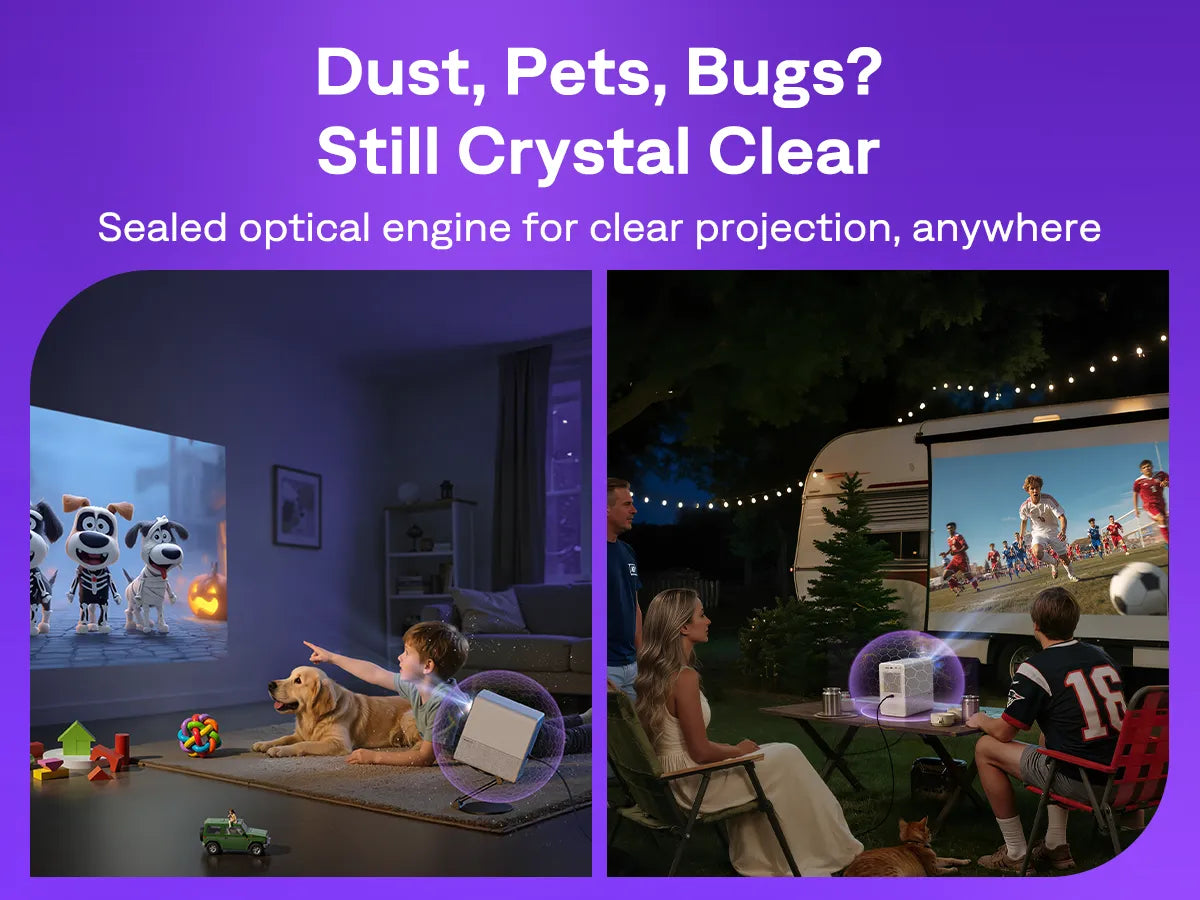
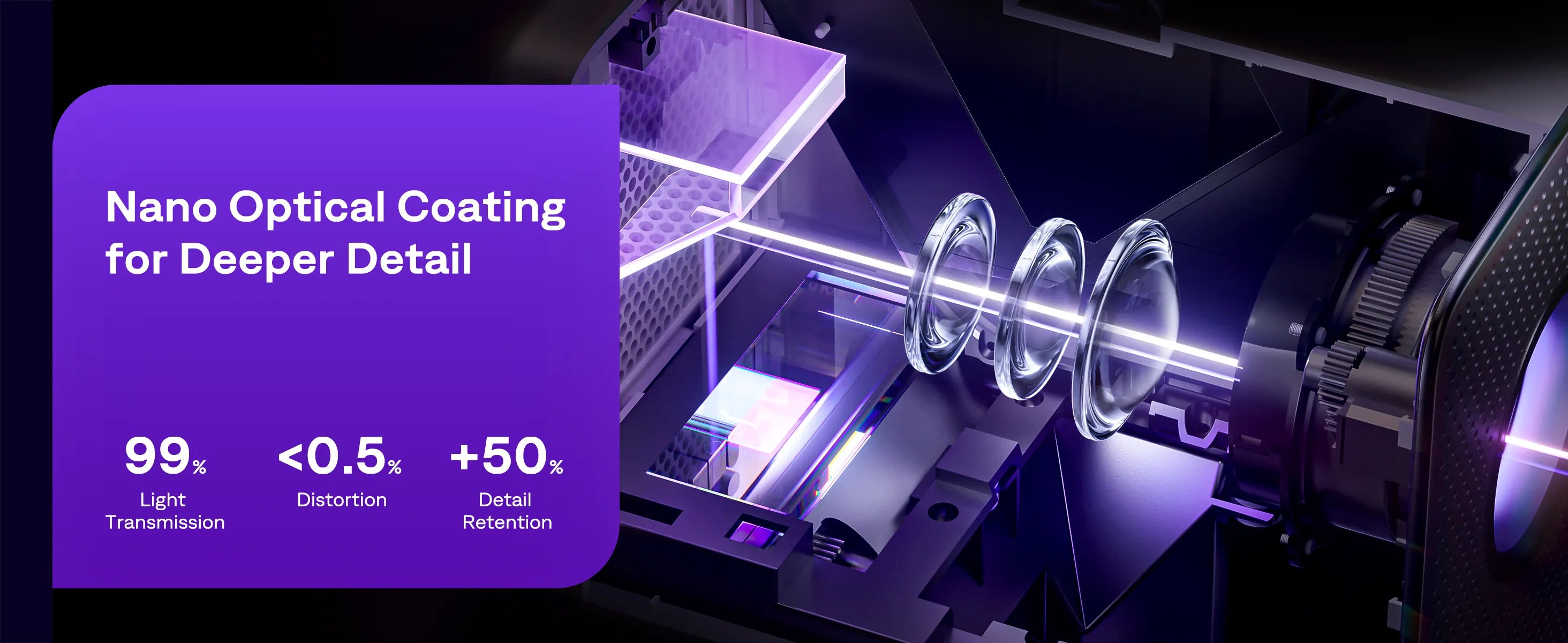
Yes. The D1R Cube features a fully sealed optical engine, preventing dust buildup and maintaining image clarity over time. This ensures long-lasting performance, consistent brightness, and no distracting dust spots on screen.
Your cart is empty
You are eligible for free shipping!