
Google TV Projector Guide: 5 Reasons Makes Home Theater Easier

A “home theater upgrade” used to mean buying a bigger TV, adding speakers, and dealing with cables everywhere. In 2026, most people simply want a setup that’s easy to stream, easy to control, and easy for the whole household to use.
That’s why Google TV on a projector has become such a practical upgrade. You get the flexibility of a projector (big screen anywhere) plus the familiarity of a modern smart TV interface—apps, voice search, and personalized recommendations, all in one place.
This guide focuses on the five reasons Google TV matters most for projector owners, especially if you’re building a simple, high-quality home theater experience.
Quick Answer: What is Google TV on a projector?
Google TV is a smart TV platform that organizes streaming apps and content into a single interface. On a projector, it allows you to:
- Access popular streaming apps from the projector directly
- search with voice instead of typing
- Get recommendations across services
- keep a consistent viewing experience even when you move the projector to different rooms
In other words: less fiddling, more watching.

1) Google TV reduces “setup friction” for projector streaming
Many projector owners start with a simple goal—“movie night”—and end up troubleshooting: switching inputs, adding a streaming stick, managing remotes, or trying to remember which device controls what.
A projector with Google TV built in helps reduce these pain points:
- Fewer devices
- Fewer cables
- Fewer “where’s the remote?” moments
- A single home screen for streaming
If your home theater upgrade is meant to be relaxing, this matters more than most specs.
2) One interface for 10,000+ apps and services
People don’t subscribe to just one streaming platform anymore. Google TV is designed for that reality. Instead of treating apps like separate islands, it brings your services into one organized view.
What you gain as a projector user:
- Less time hopping between apps
- Faster access to what you actually watch
- A home screen that feels like a modern TV, not a “projector menu”
This is especially useful for families where different people prefer different apps.

3) Voice search is a bigger deal than people expect
Typing on a projector interface (or with a remote) is rarely fun. Voice search solves the most common navigation problems:
- Finding a show when you can’t remember the exact title
- Searching by actor, genre, or mood
- Quickly launching apps without scrolling
For many households, voice search is the feature that makes a projector feel “everyday usable,” not just “occasionally used.”

4) Recommendations across services help you decide faster
The modern streaming problem isn’t a lack of content—it’s decision overload.
Google TV recommendations can pull choices across platforms so you’re not repeating the same cycle: Netflix → nothing → Hulu → nothing → Disney+ → still nothing.
For projector viewing, where sessions are often intentional (movie night, weekend binge, game day), this improves the experience in a very real way: you spend more time watching and less time browsing.
5) A Google TV projector is one of the simplest “value upgrades”
A premium TV can be expensive and fixed in one room. A projector is flexible, but it only becomes truly convenient when the software experience is just as simple as a smart TV.
A Google TV projector offers strong value because it combines:
- Big-screen viewing that works in different rooms
- A familiar smart interface
- Fewer add-ons (and fewer points of failure)
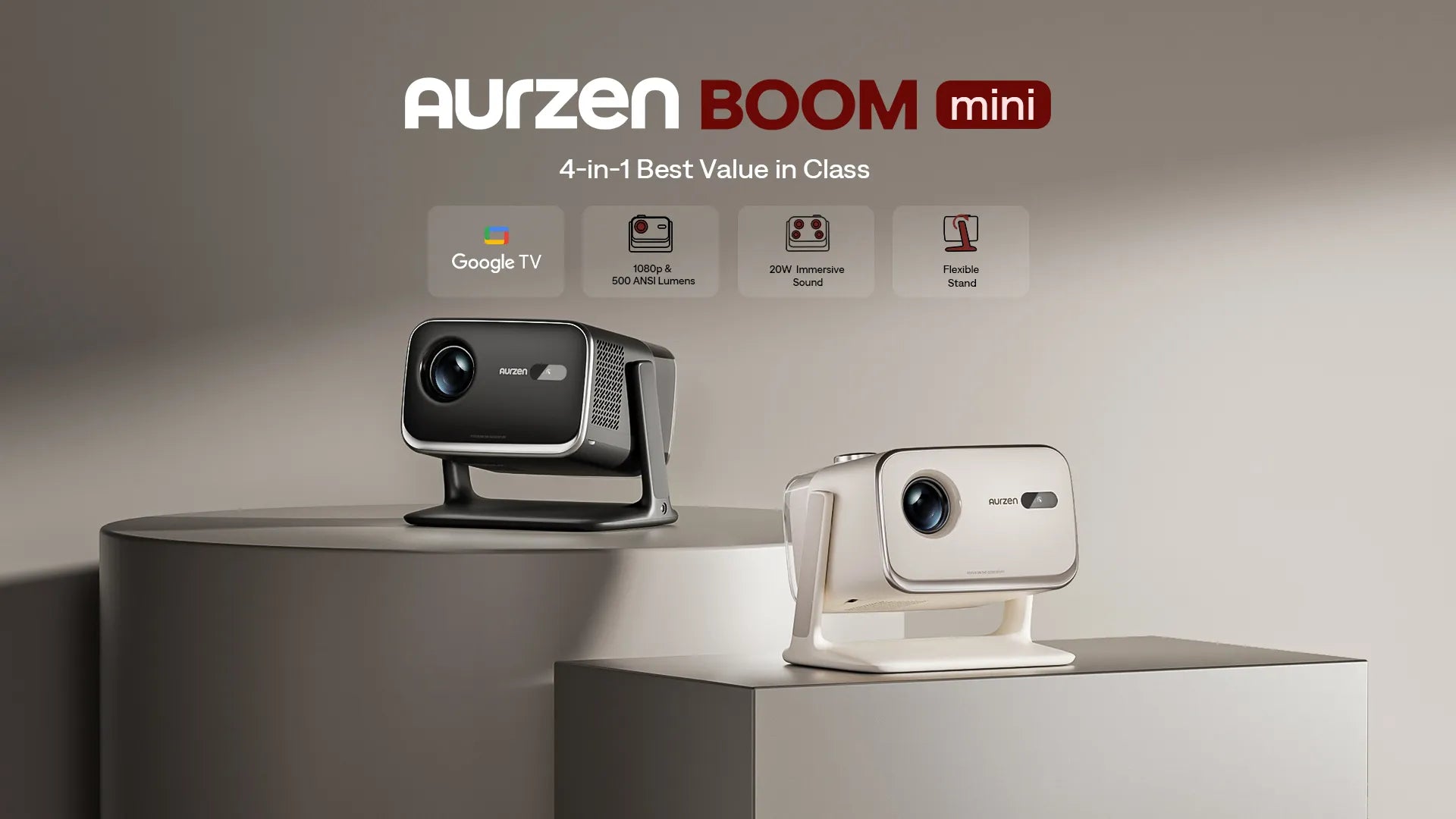
If you want a straightforward, ready-to-stream setup, Aurzen models like the Aurzen BOOM mini Google TV Smart Projector are built for that “turn it on and start watching” experience without extra boxes.
Practical Checklist: Is Google TV right for your projector setup?
Google TV tends to be a great fit if you:
- Stream from multiple services
- Want voice search and simple navigation
- Share the setup with family members
- Move your projector between rooms
- Prefer fewer devices and fewer remotes
If you mainly watch from one HDMI device and never change sources, you may not feel the difference as strongly—but most modern households do.
Key Takeaways
- Google TV makes projector streaming easier by reducing devices and setup steps
- It helps organize content across services so you can find things faster
- Voice search improves day-to-day usability for non-technical users
- Recommendations reduce decision fatigue
- A Google TV projector is a simple, flexible home theater upgrade that feels “modern” immediately
FAQs
1) What’s the difference between Google TV and Android TV on a projector?
Google TV is a newer interface layer that focuses more on content discovery and recommendations across apps, while Android TV typically emphasizes app rows and a more basic home screen.
2) Do I need a separate streaming stick if my projector has Google TV?
Usually no—Google TV built in means you can stream directly from the projector without adding a separate dongle, depending on your preferred apps and region.
3) Is Google TV good for families?
Yes. The interface is easy to navigate, and recommendations help different household members find content without jumping between apps.
4) Does Google TV support voice control?
Yes. Voice search is one of Google TV’s most practical features for finding shows and launching apps quickly.
5) Is a Google TV projector better than a “regular” projector?
It’s not always about image quality—it’s about daily convenience. Google TV helps make a projector feel as easy to use as a smart TV.
Read More
- What Is Dolby Vision—and Does It Really Matter for Projectors?
- Mini Portable Projectors: What You Need to Know
- Google TV or Roku: What’s the Best Streaming Platform for Your Home Projector?
- Are Aurzen Projectors Suitable for Home Theater Setups?
- Understanding Projector Lumens: How Brightness Is Measured—and Why the Numbers Can Be Misleading


